Original: $59.00
-70%$59.00
$17.70The Story
Photoshop Actions for Portraits, Children & Family
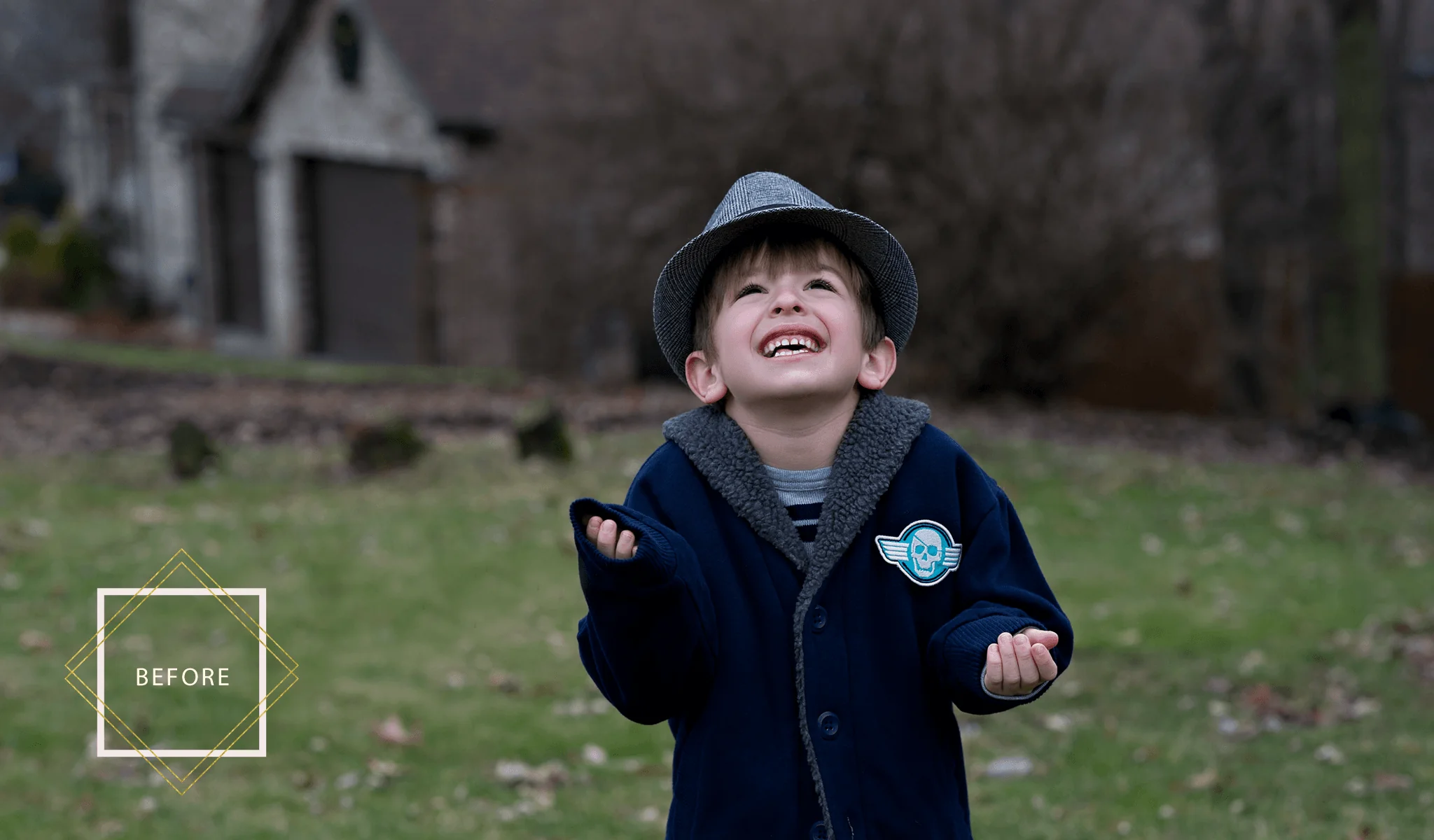
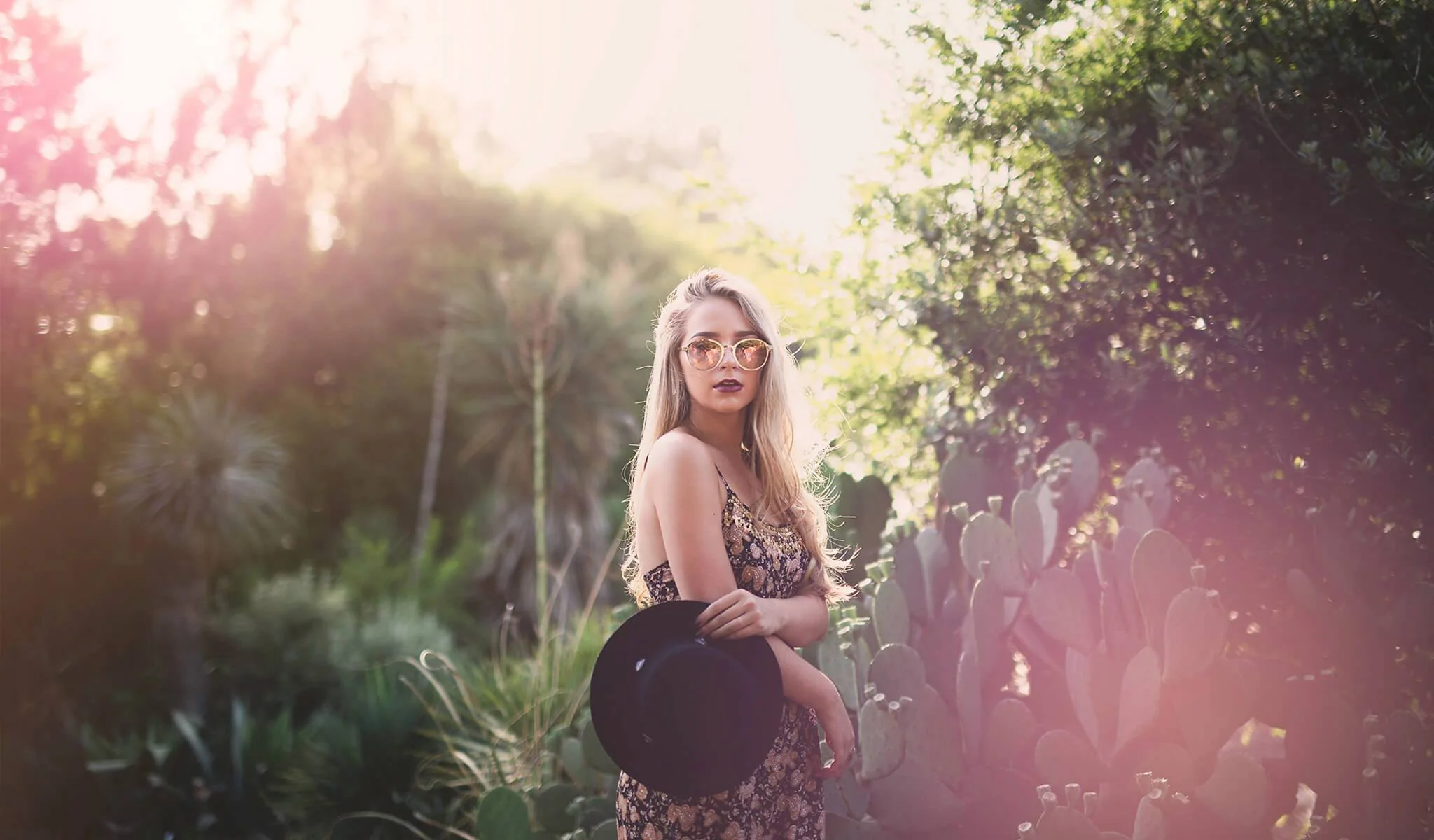
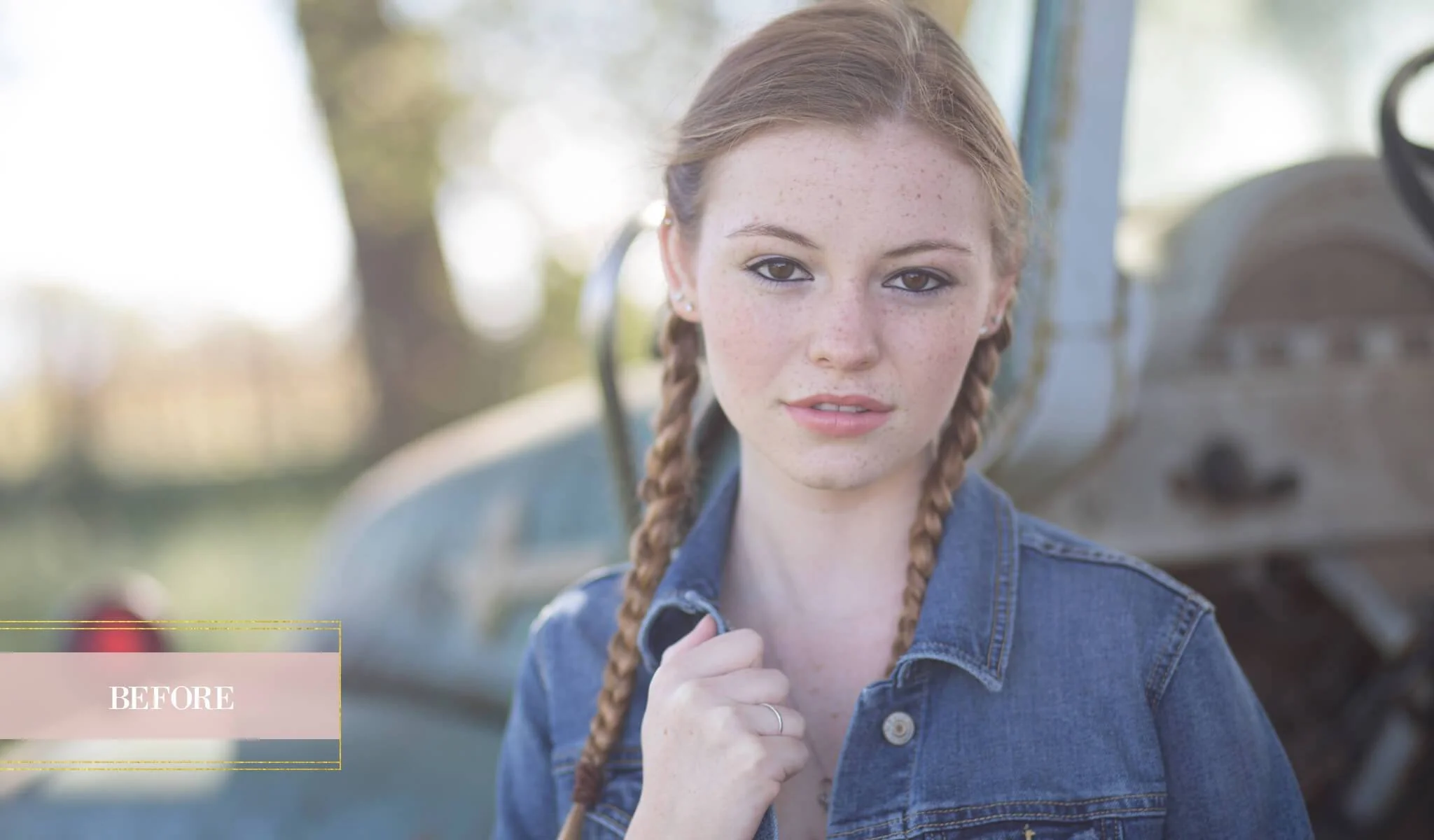
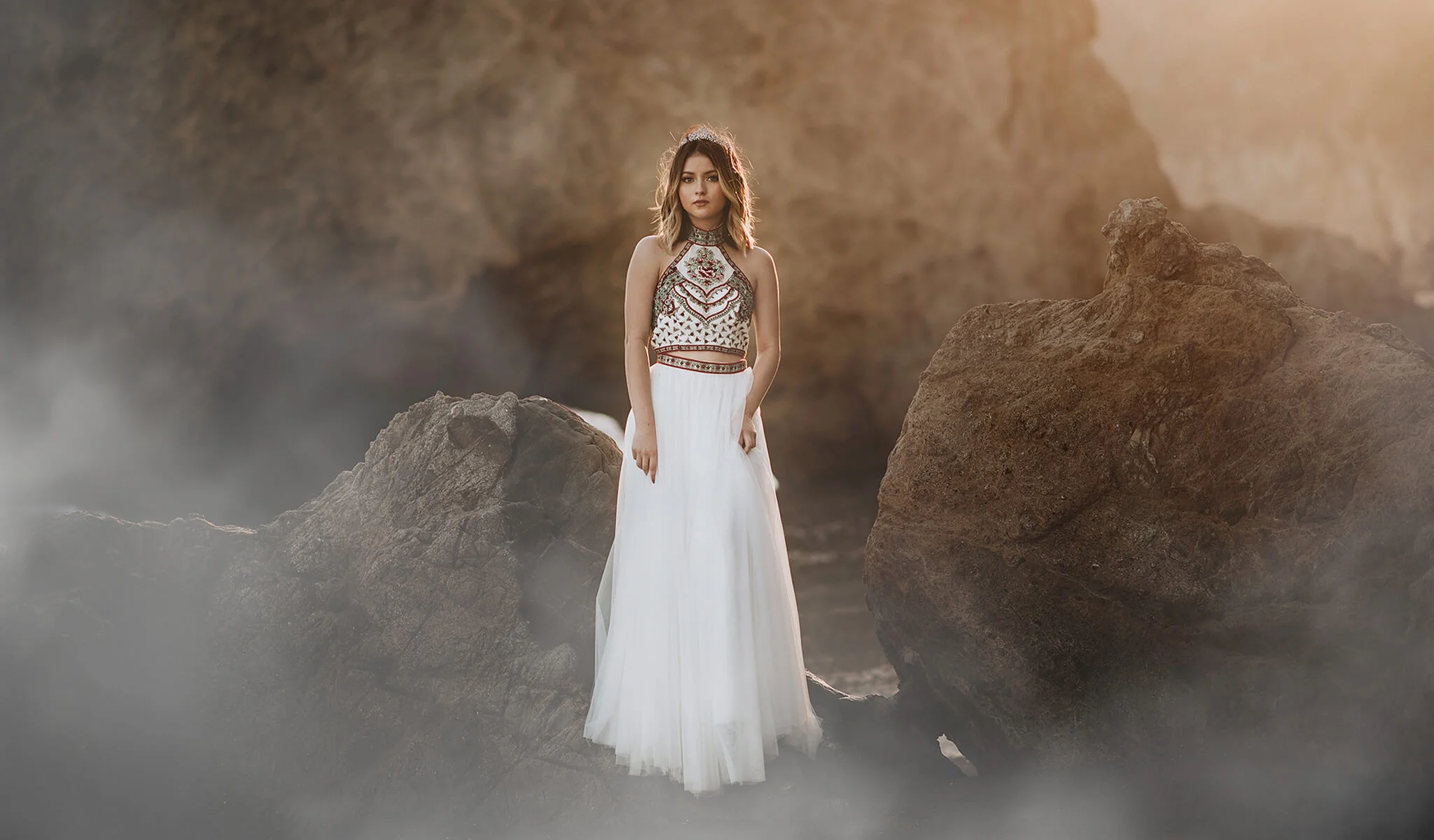
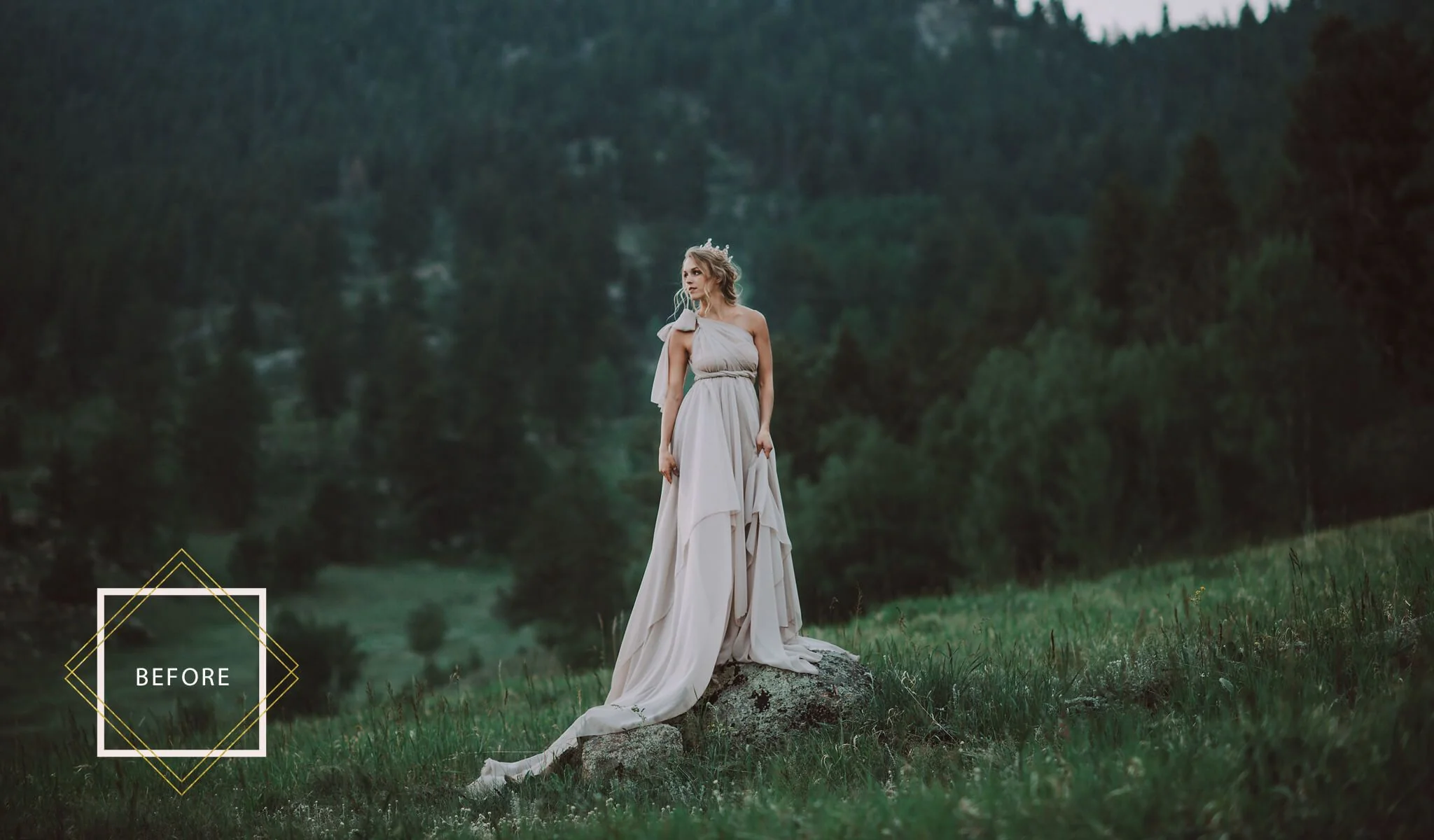
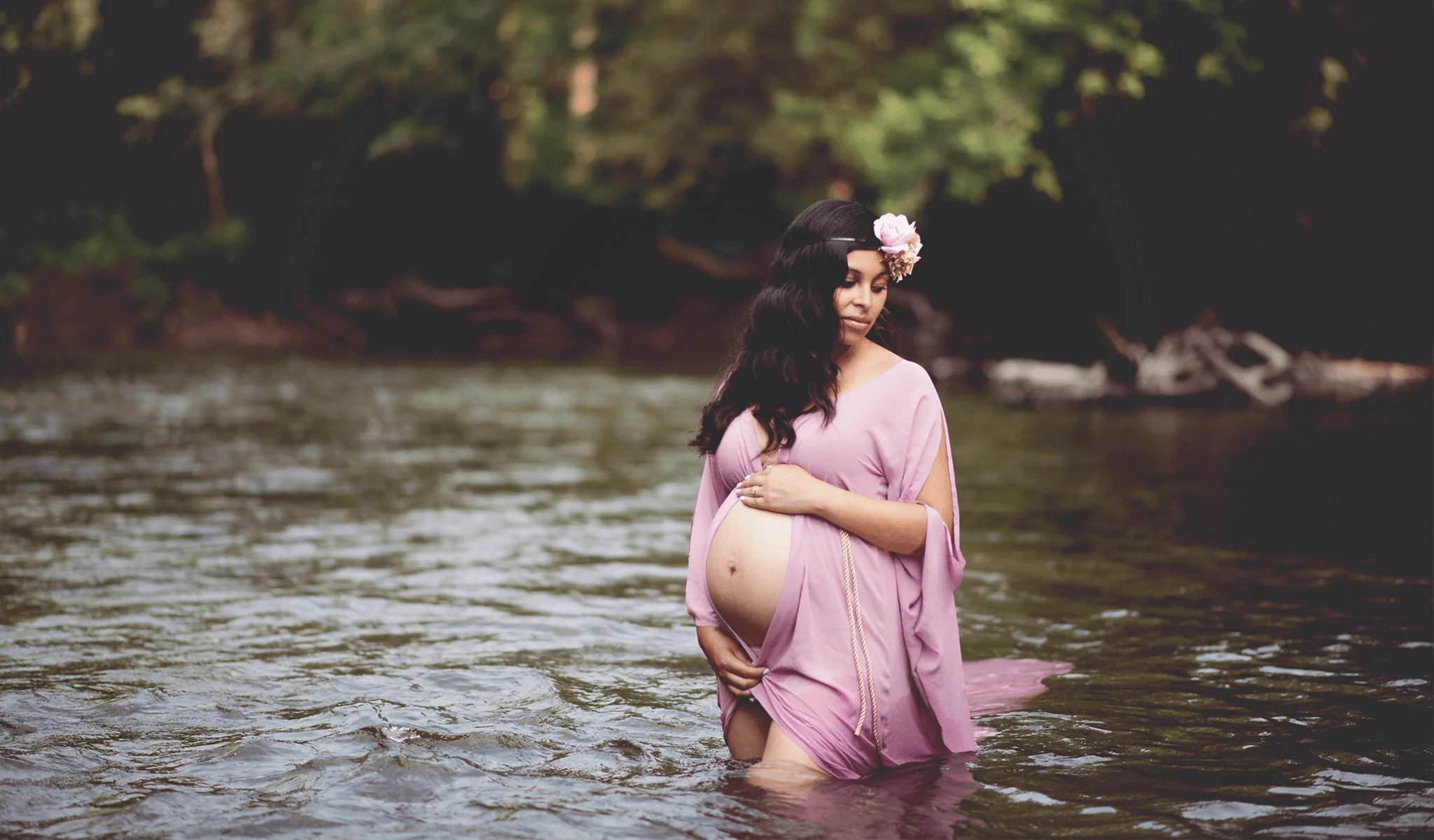
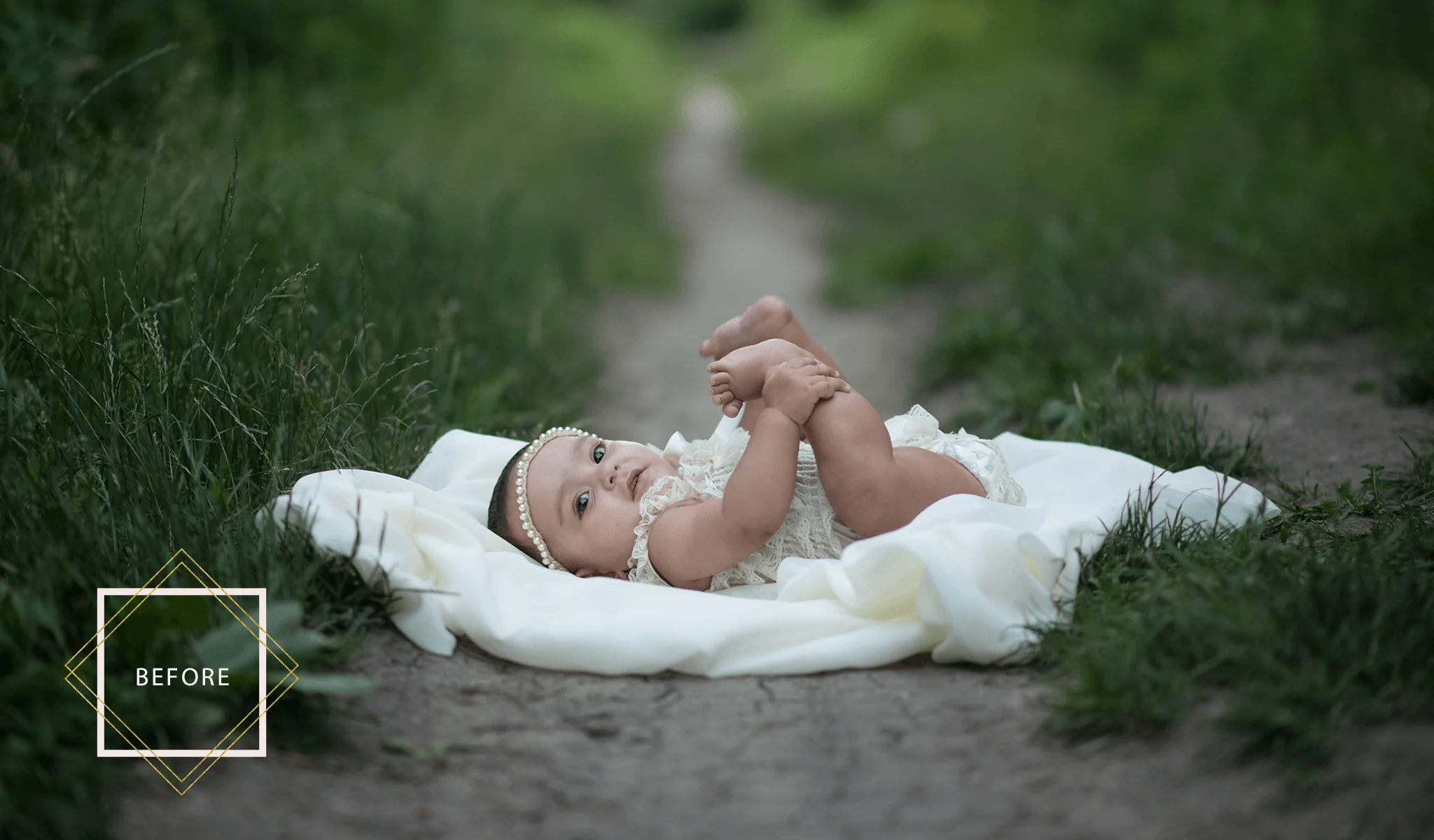
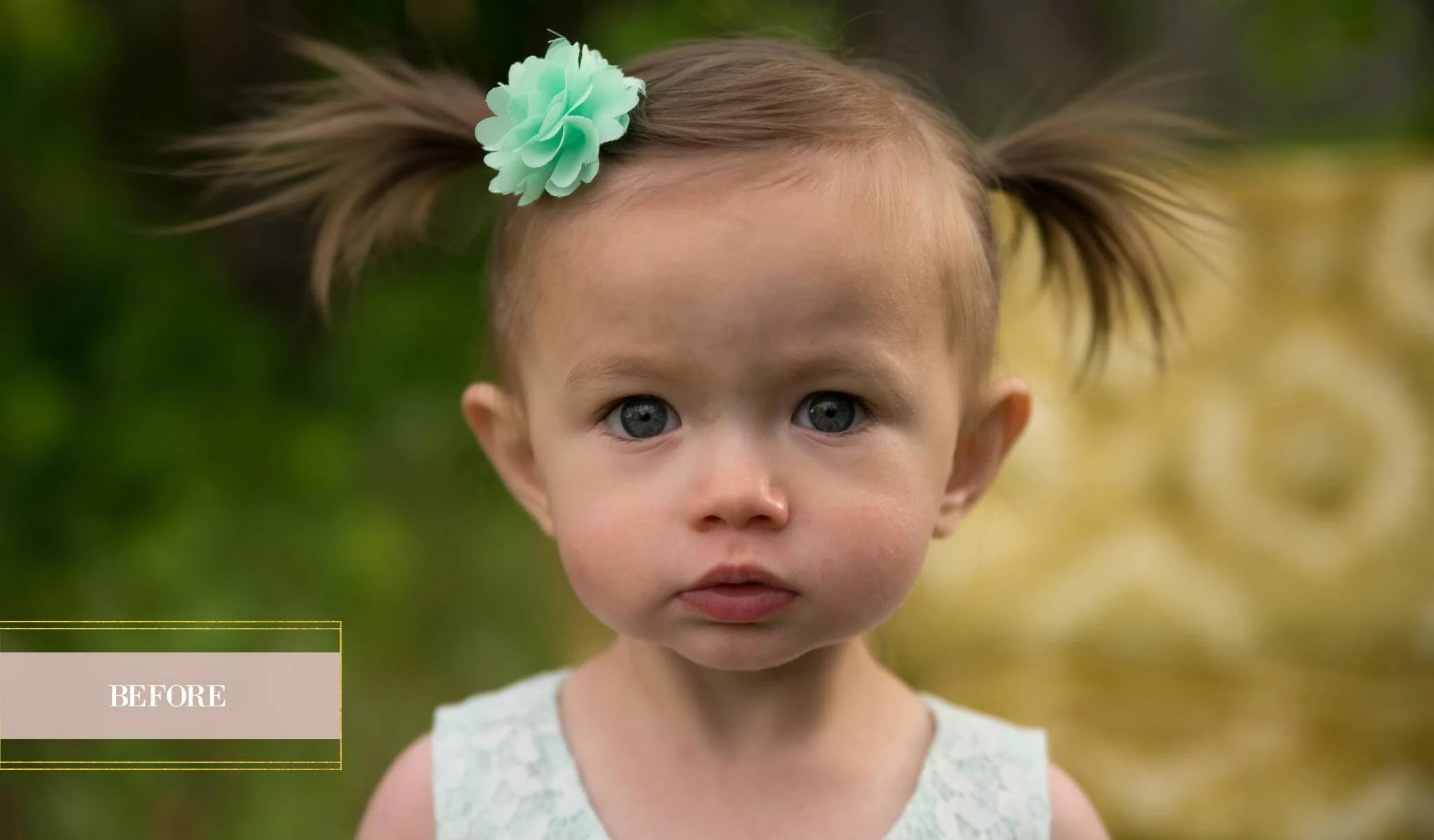
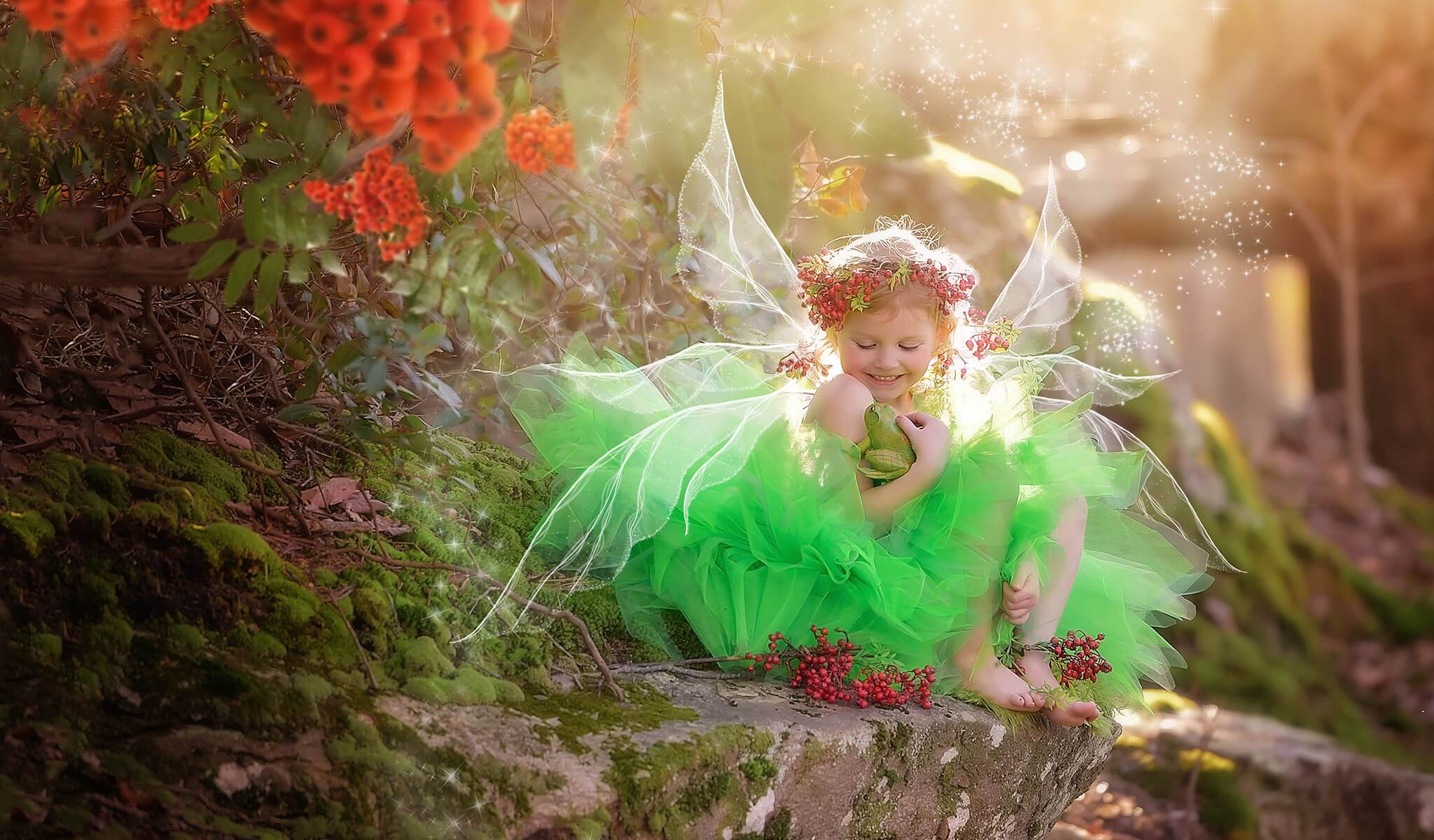
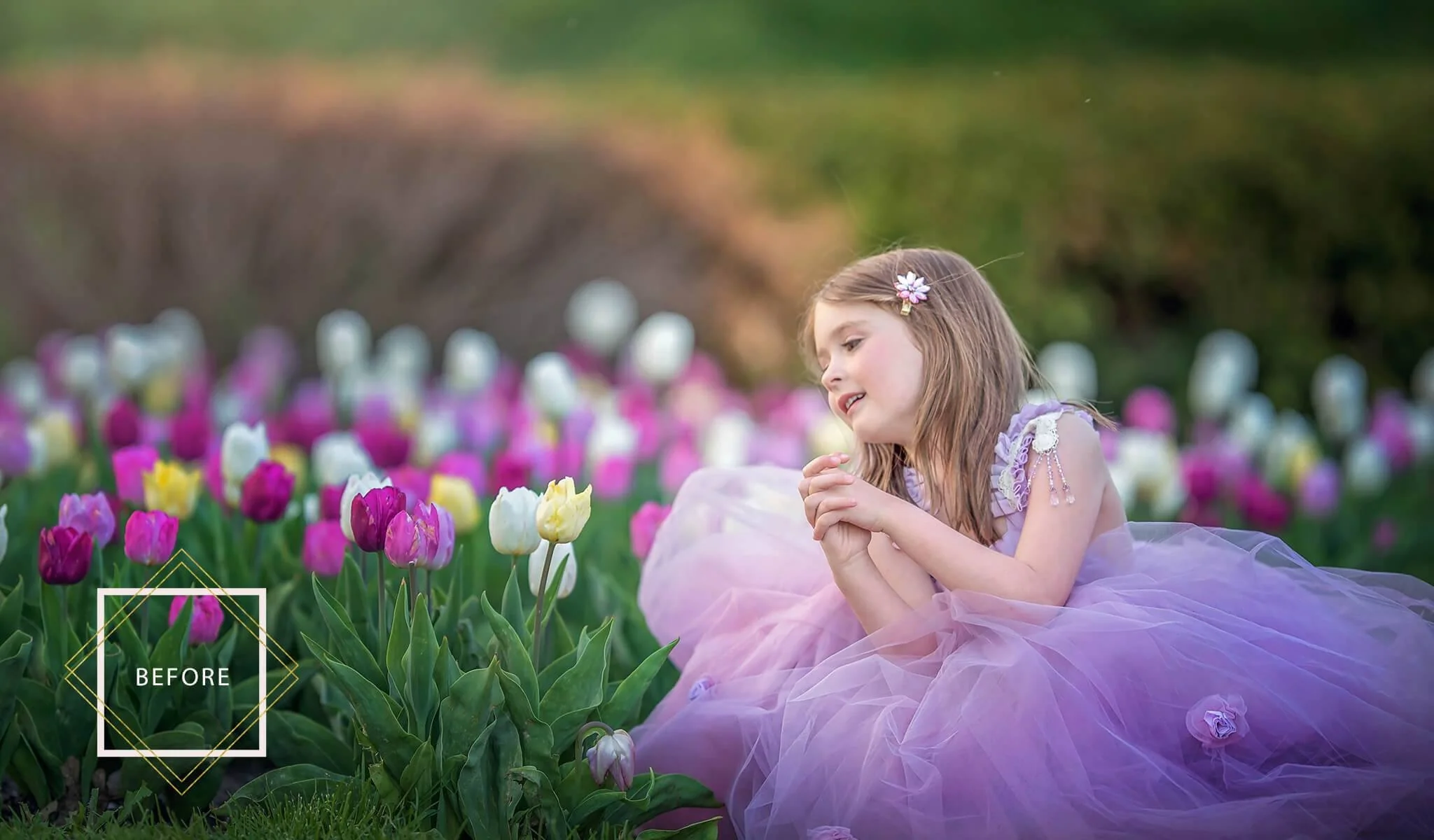
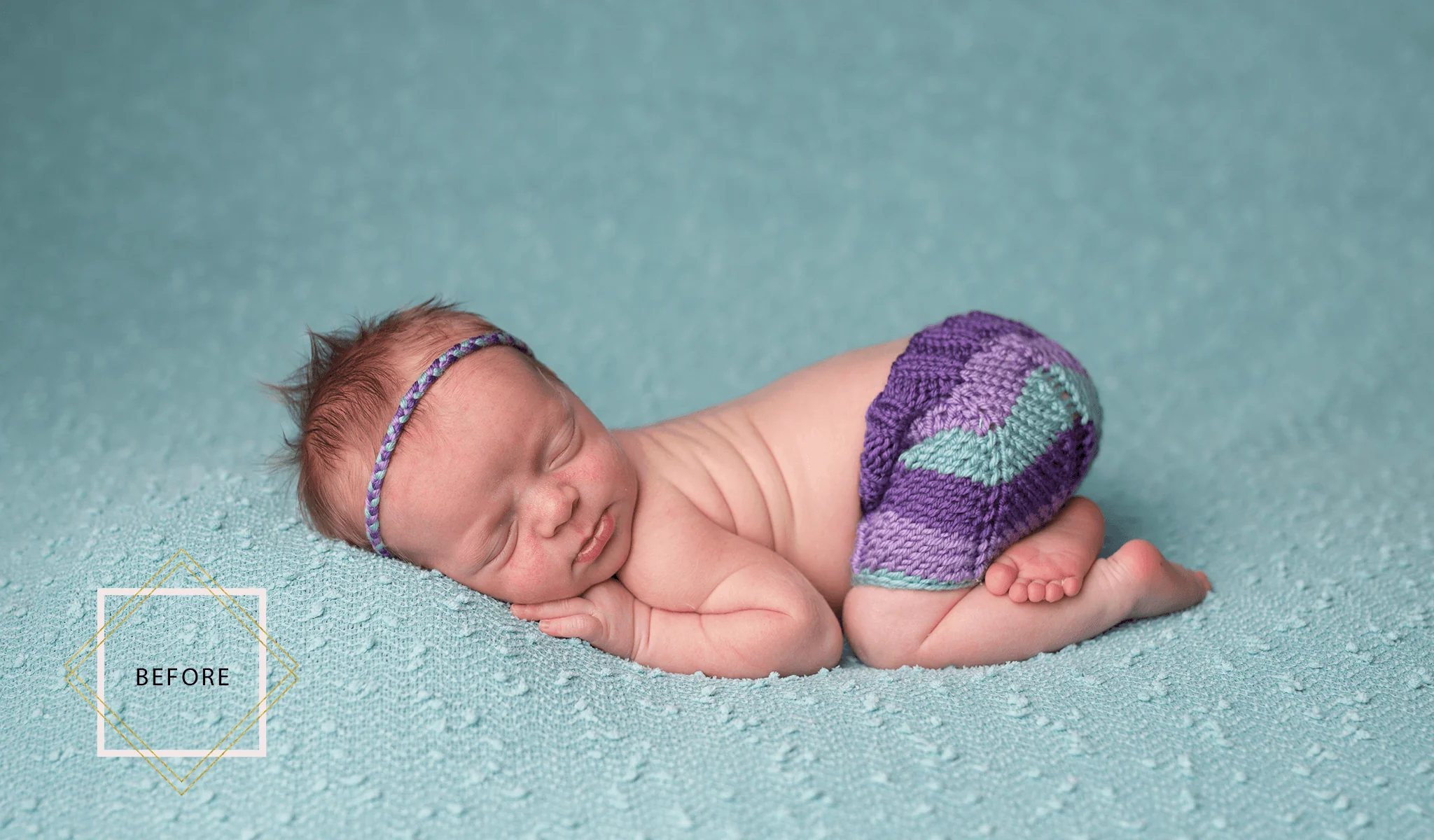
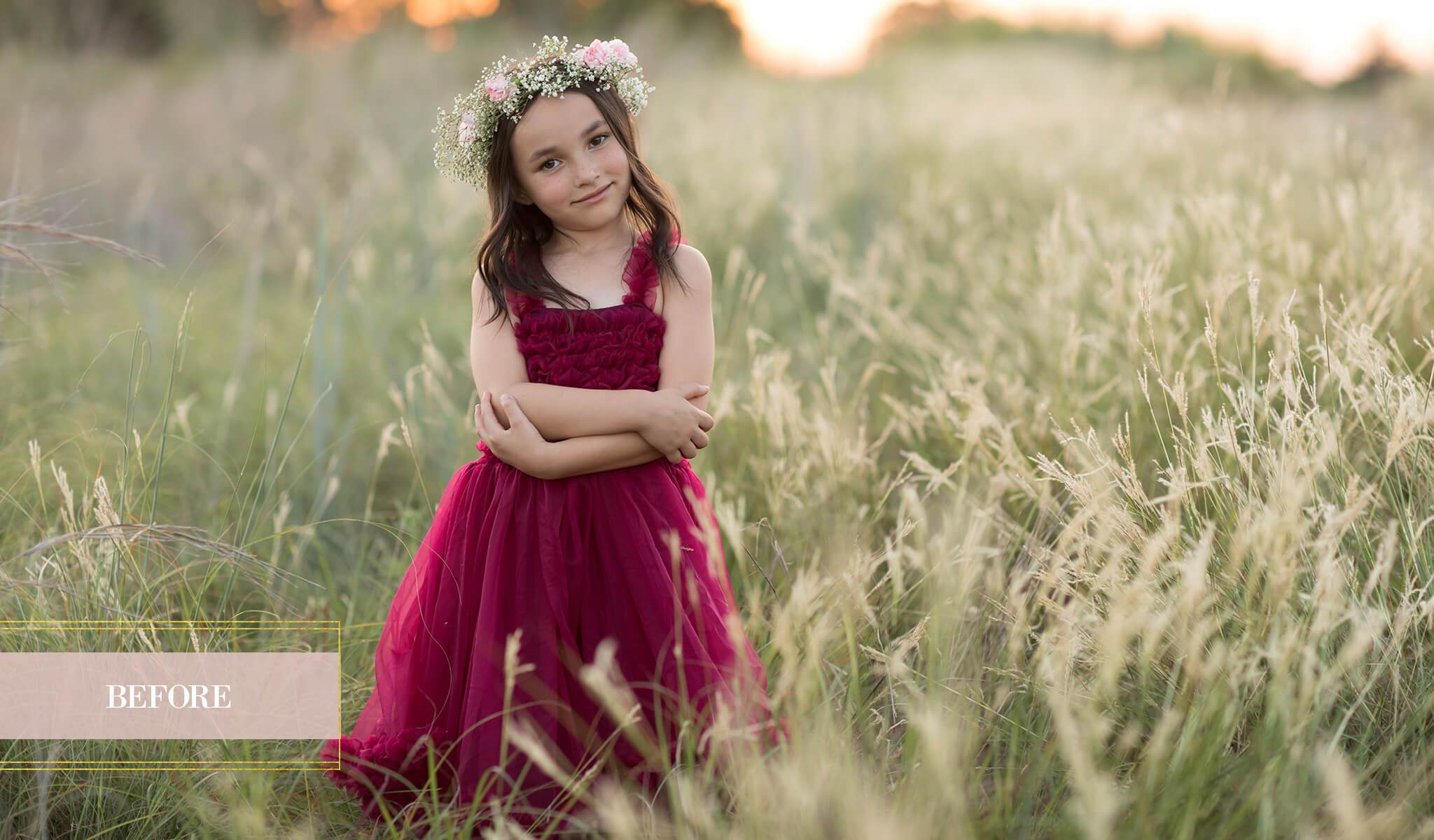
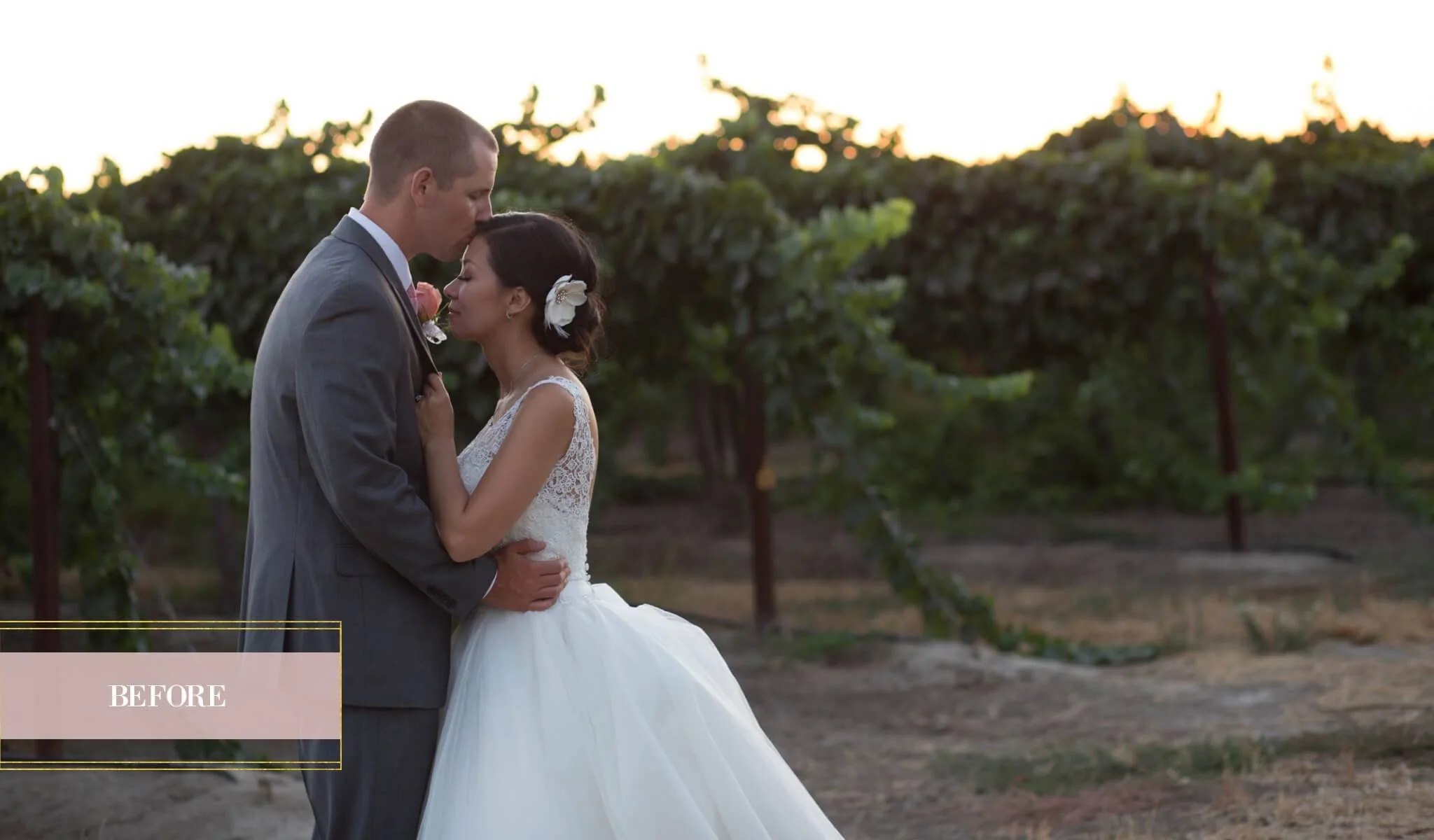
The PURE Color Workflow is a comprehensive collection containing over 63 beautiful, easy to use portrait workflow and creative actions that will save time and allow you to quickly create beautiful “clean edits”, rich and vibrant artistic edits, and instant black & white conversions.
With its incredible versatility, ease of use and powerhouse results, this essential collection is perfect for all your Portrait, Child, Family and Wedding photography needs and is sure to earn a top spot on your favorites list….fast!


- Start off with one of the 13 Perfect Start Actions. Smooth and soften skin, add eye sparkle, whiten teeth and more with 4 easy to use Retouch Actions. Create your own unique style with one of 14 Pretty Color All-In-One Actions.
- Make selective adjustments with 9 carefully curated Brushes, and complete your look with Toning Action Color Infusions and Add Ons to add and customize haze, matte, center light, vignettes and more.
- Add the finishing touch with essential Workflow Actions. We've even included 5 bonus Light Brushes and 3 Movable Sun Glows so you can add dreamy light or enhance the existing light in your images. We've thought of everything!
Whether your a professional or hobbyist, this comprehensive and versatile Action collection is guaranteed to get you excited about editing your images. There’s something for everyone, and it’s never been easier to create the beautiful look you've always dreamed of!


The PURE Color Workflow Actions Collection Includes:
- 13 Perfect Start Actions
- 4 Easy to use Retouch Actions
- 14 Pretty Color All-In-One Actions
- 9 Selective Adjustment Brushes
- 9 Toners & Addons
- 5 Light brushes
- 3 Moveable Sun Glows
- 6 Workflow Actions
- Actions are fully customizable to fit your style.
- Compatible and fully optimized for Photoshop CS3-CS6, Creative Cloud, and PSE 11+
- Works on both Mac and PC.
- Instruction guides and video tutorial links to show you how to install and use the actions.
PURE Color Workflow Video Tutorial
Perfect Start Actions
- Fix Exposure – Brighten
- Fix Exposure – Darken
- Clean Contrast
- Clarity
- Make it Warmer
- Make it Cooler
- Fresh Shadows
- Fresh Highlights
- Tame Color Casts
- Color Boost
- Selective Color Boost
- Muted Color
- Green Shift
Retouch Actions
- Oh-So-Soft Skin
- Cheeks + Lips
- Eye Sparkle
- Whiten Eye’s & Teeth
Pretty Color Actions
- *Play All*
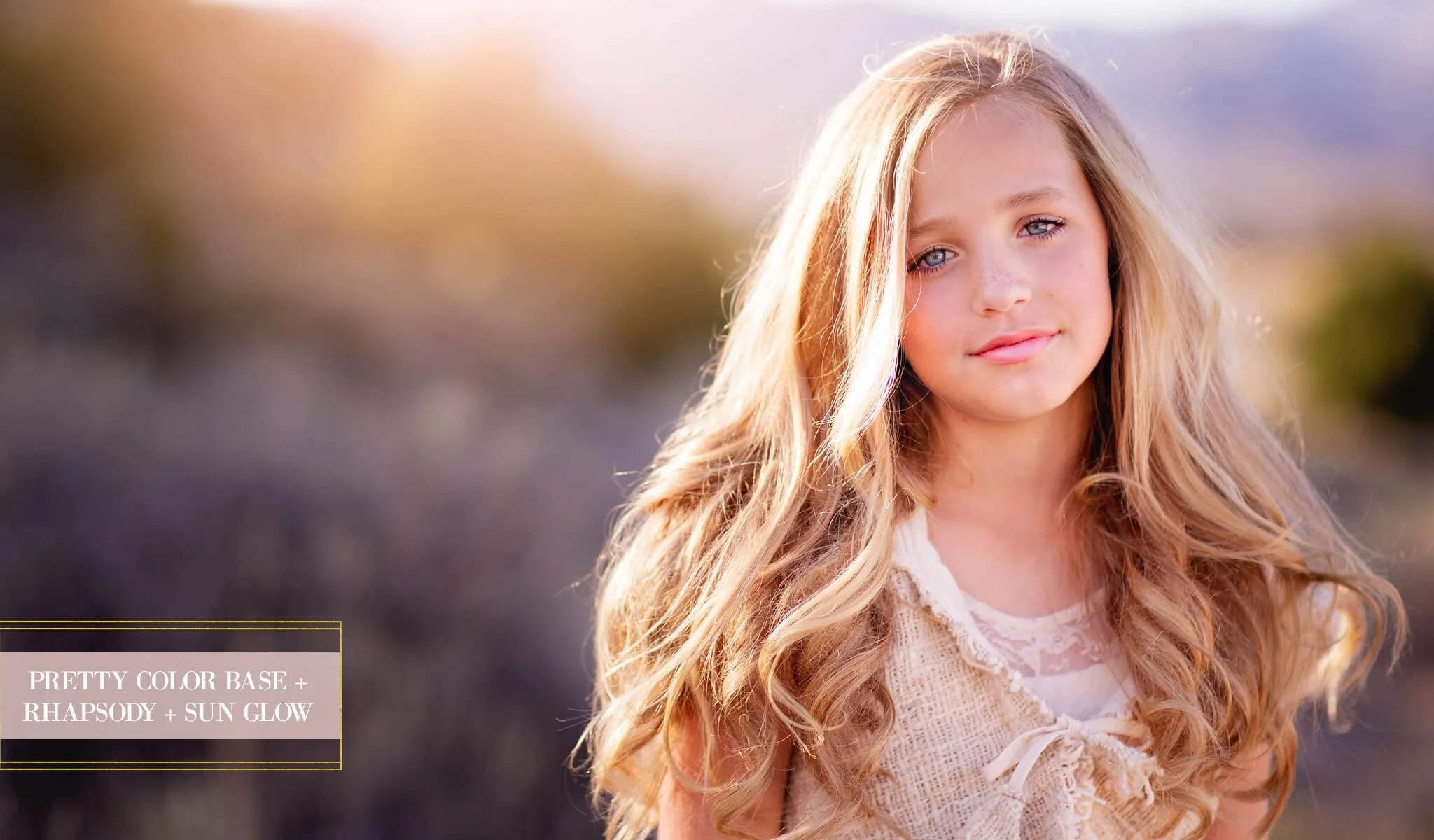
- Pretty Color Base
- Pretty Color x2
- Airy & Light
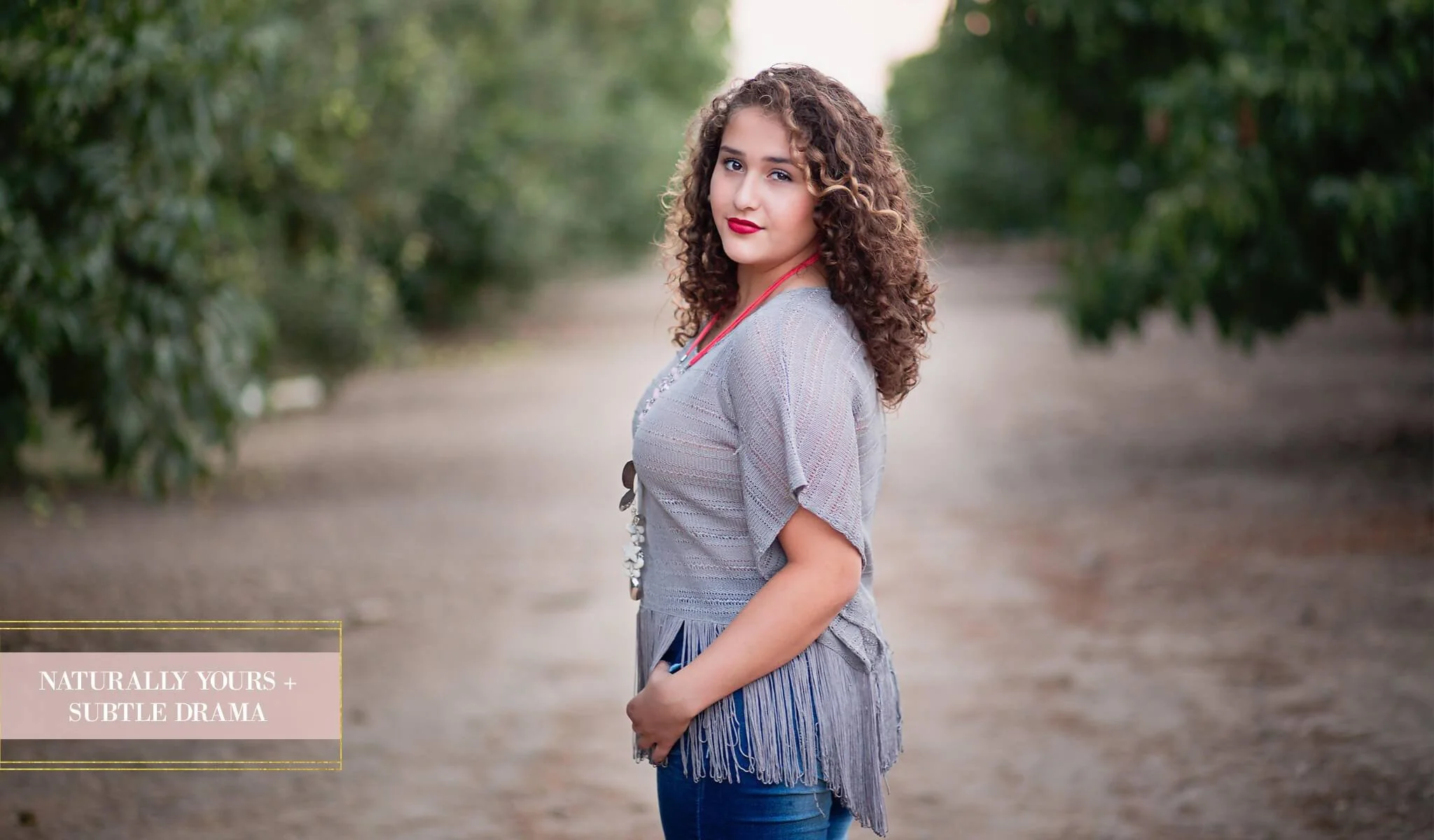
- Naturally Yours
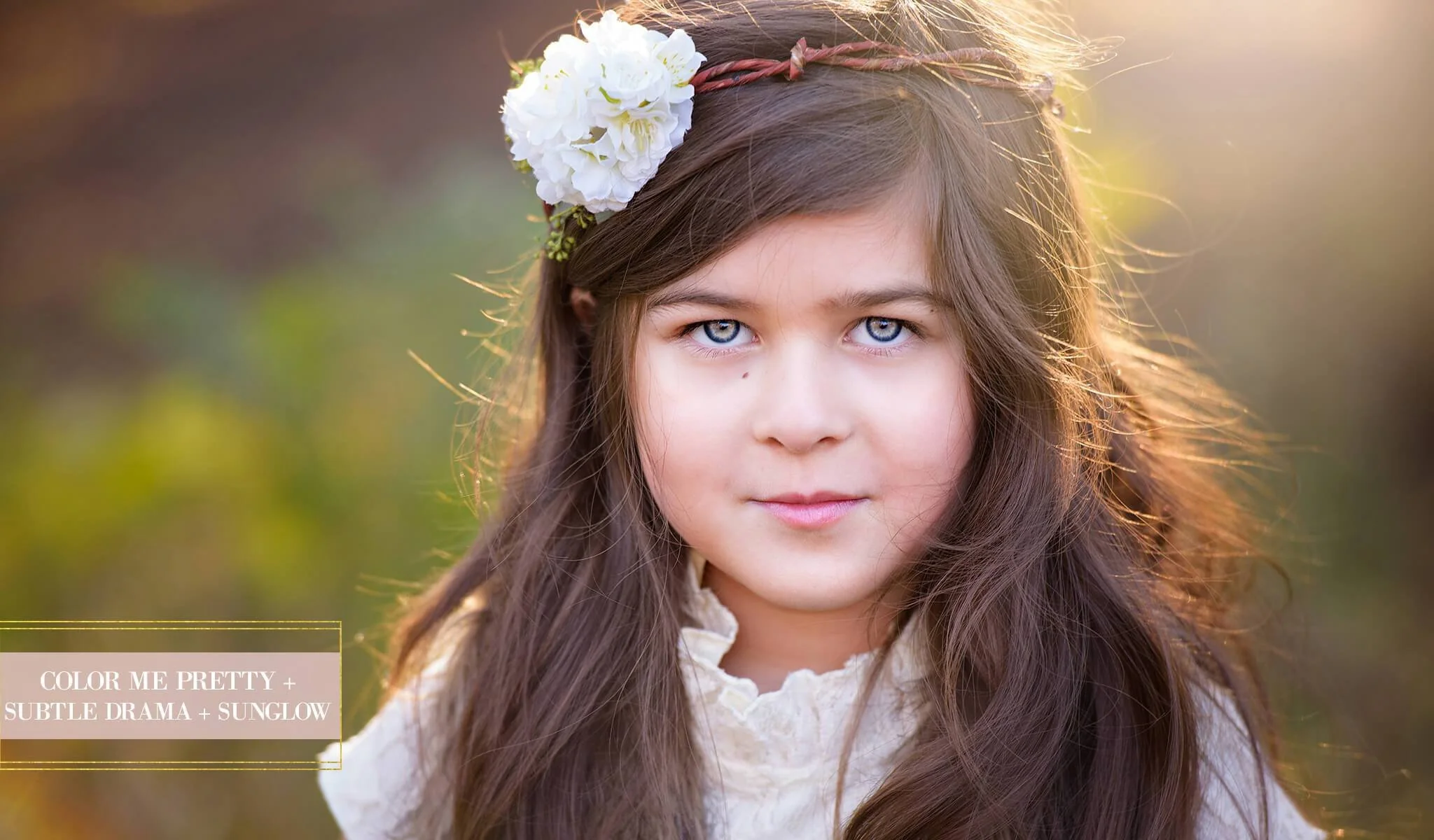
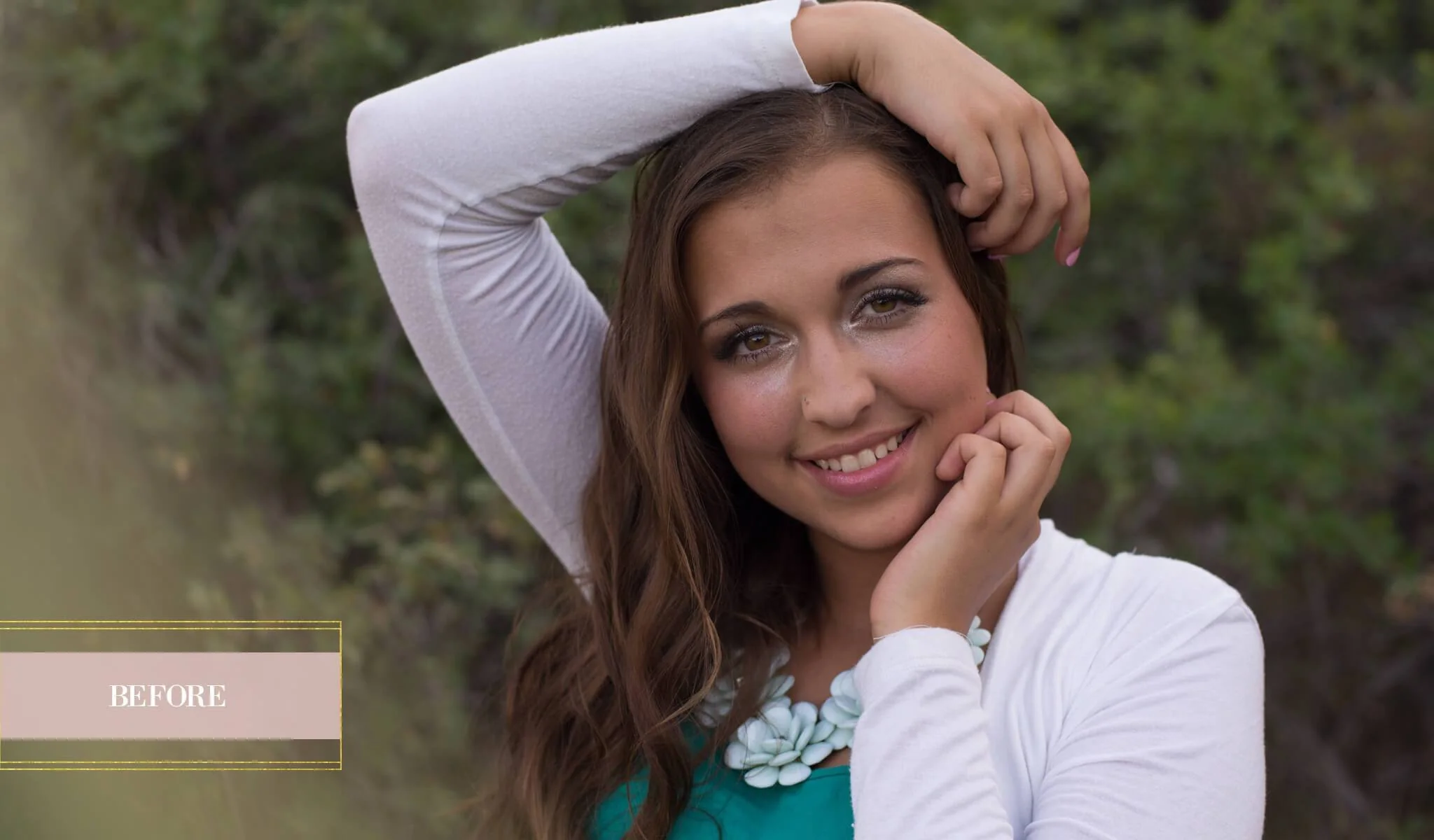
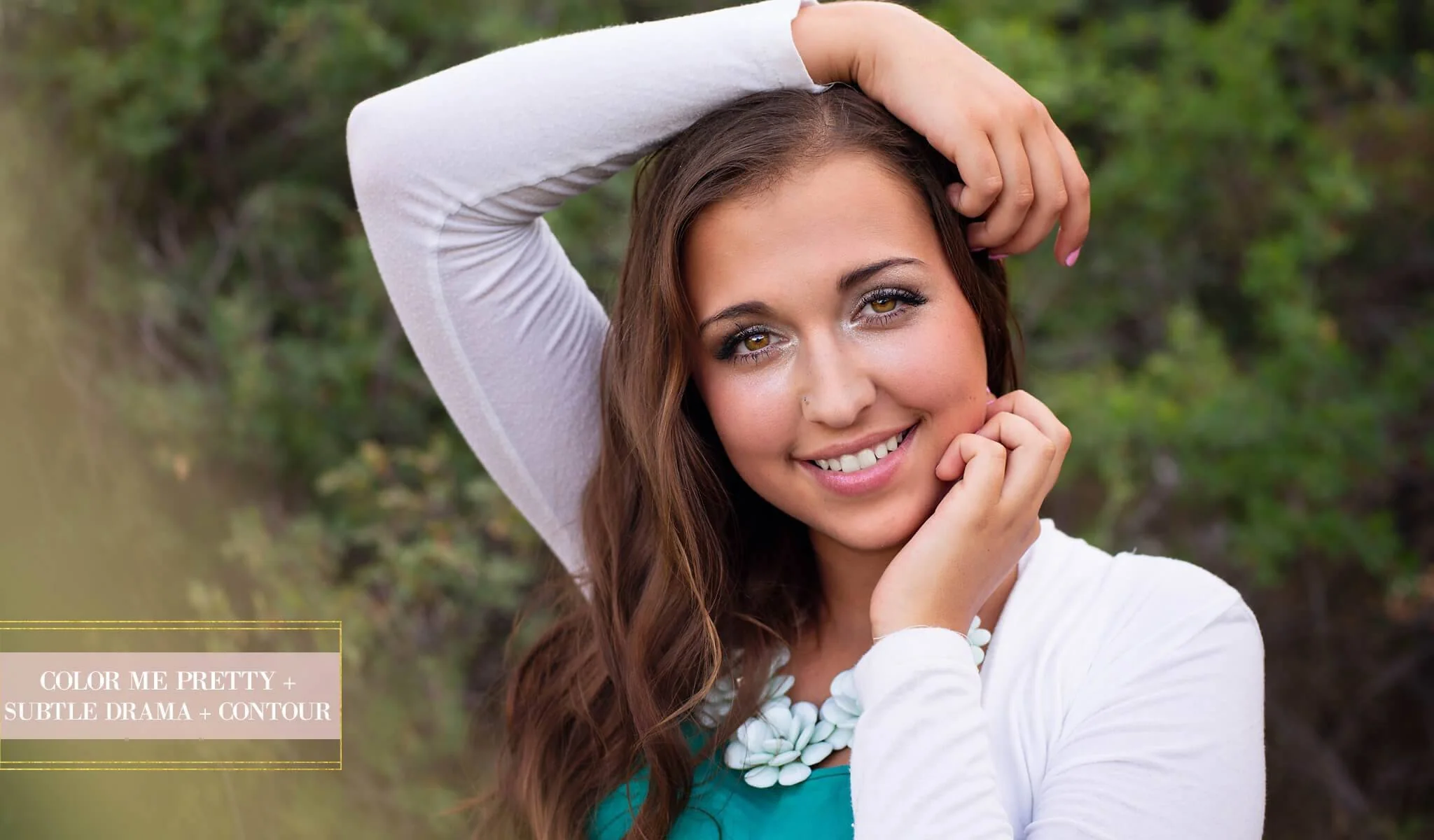
- Color Me Pretty
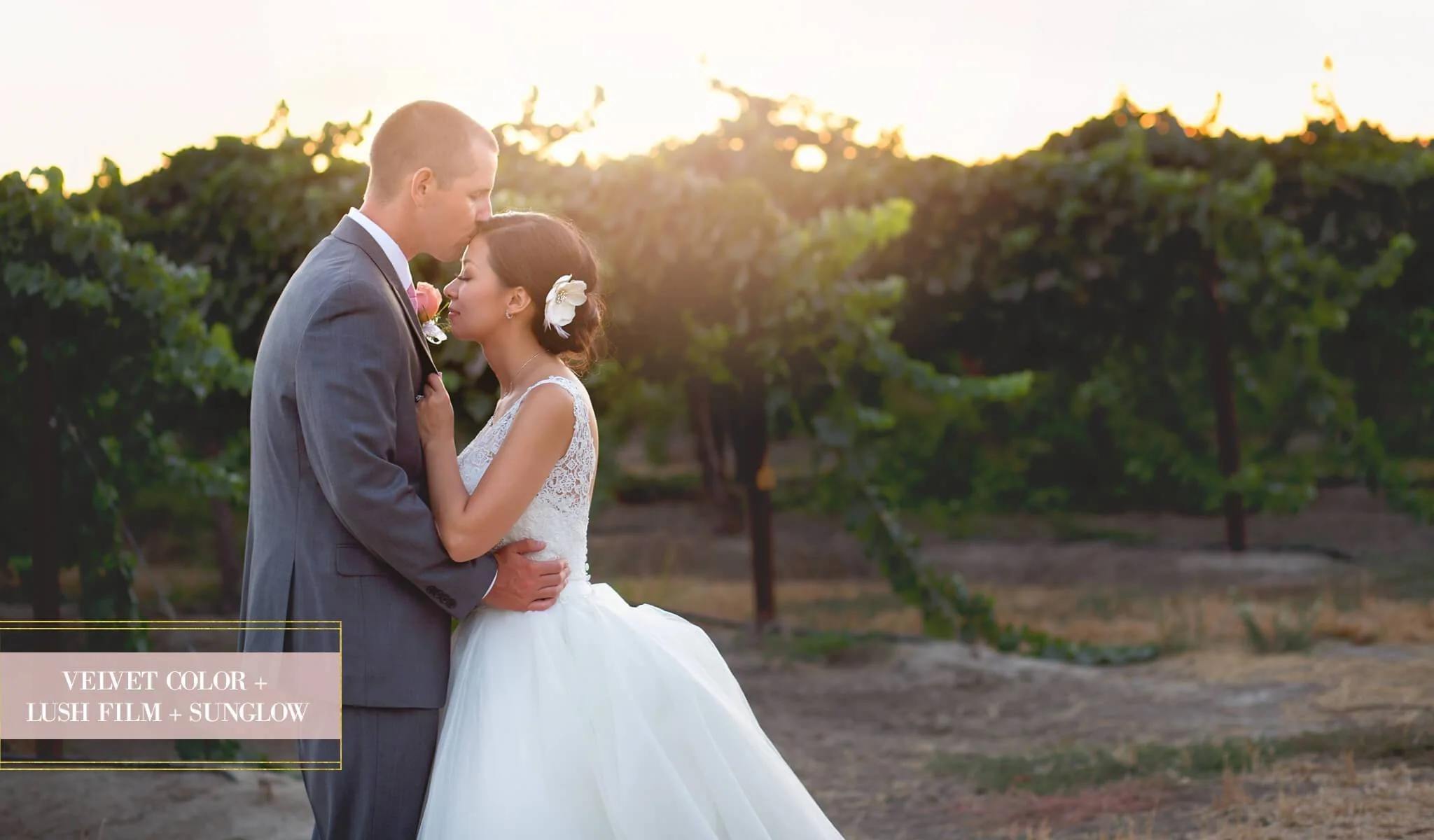
- Velvet Color
- Subtle Drama
- Darling Punch
- Perfectly Matte
- Elegant
- Dainty Sable
- Honeysuckle
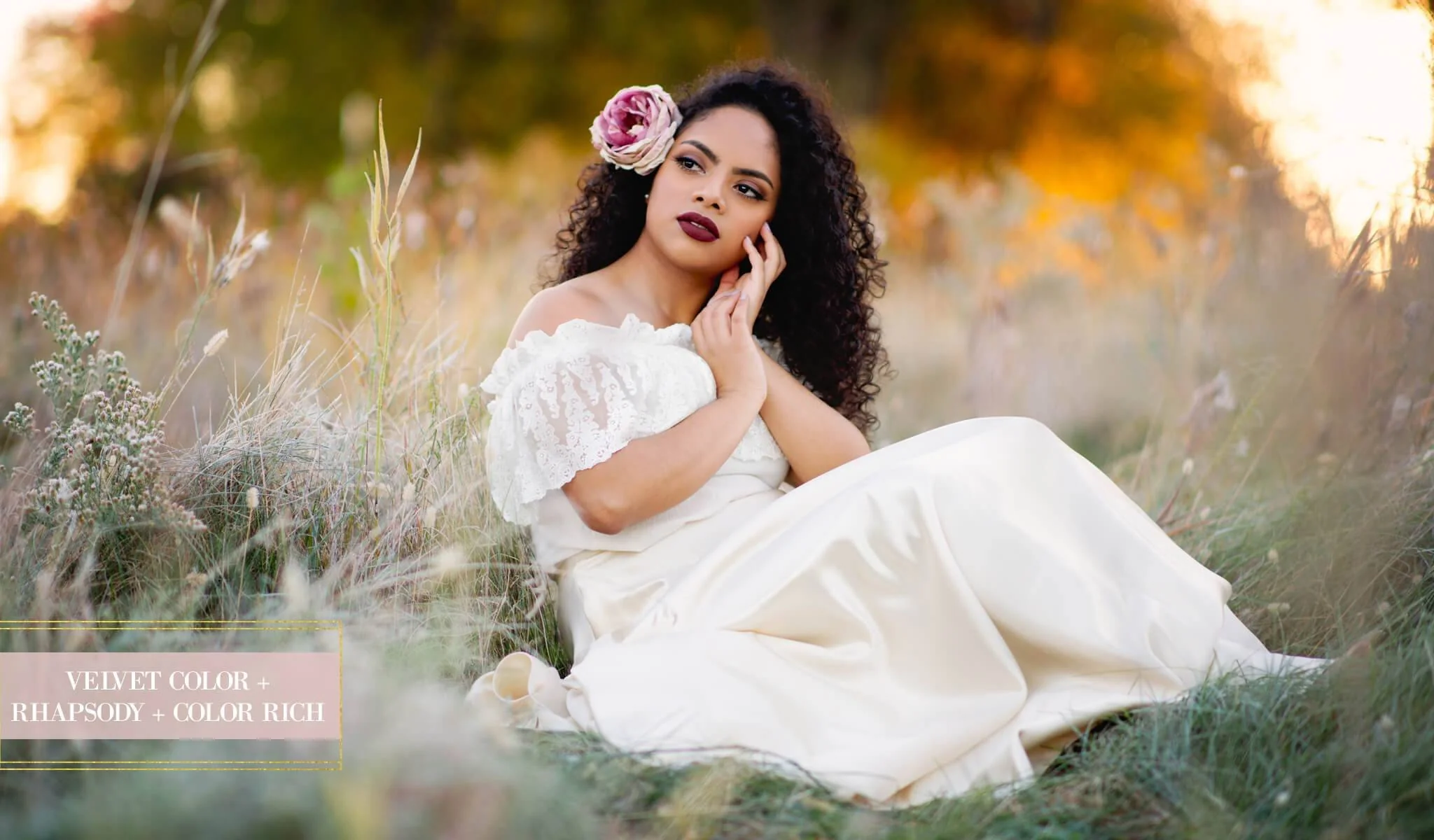
- Rhapsody
Selective Adjustment Brushes
- Selective Sharpen
- Reduce Noise
- Contour – Light & Dark
- Paint Off Color Casts
- Paint on Color Rich
- Magic Color Change
- Vibrant Scenery
- Creamy Bokeh Brush
- Paint on Warm Vignette
Toners & Add-Ons
- Color Infusions
- Soft & Hazy Combos
- Rich Matte
- Lush Film
- Clean Mist
- Center Light
- Soft Vignette
- Dark Vignette
- Faux Tilt Shift
Light Brushes
- Clean Backlight
- Warm Backlight
- Hazy Light
- Warm Hazy Light
- Enhance Warm Backlighting
Moveable Sun Glows
- Warm Sun Glow
- Pretty Sun Glow
- Cool Sun Glow
Workflow Actions
- Snapshot of Layers
- Flatten Layers
- Revert to Original
- Horizontal Sharpen & Resize for Web
- Vertical Sharpen & Resize for Web
- Sharpen for Print
DUE TO THE DOWNLOADABLE NATURE OF THE PRODUCT, THERE ARE NO REFUNDS. ALL SALES FINAL.
- License good for (1) photographer/studio only
- Items include digital downloads, PDF guides, links to online videos
- Basic knowledge of Photoshop/PSE required
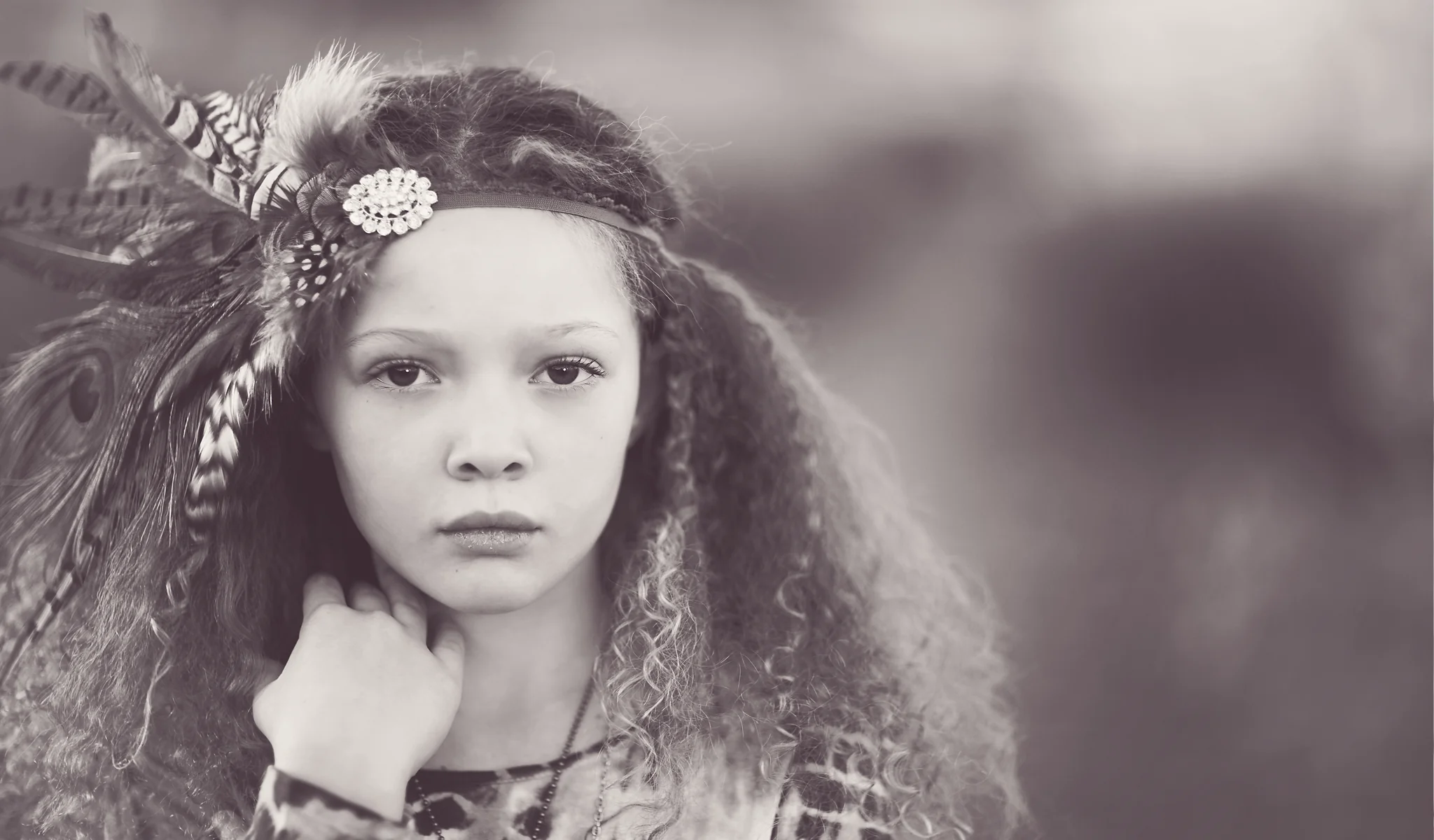
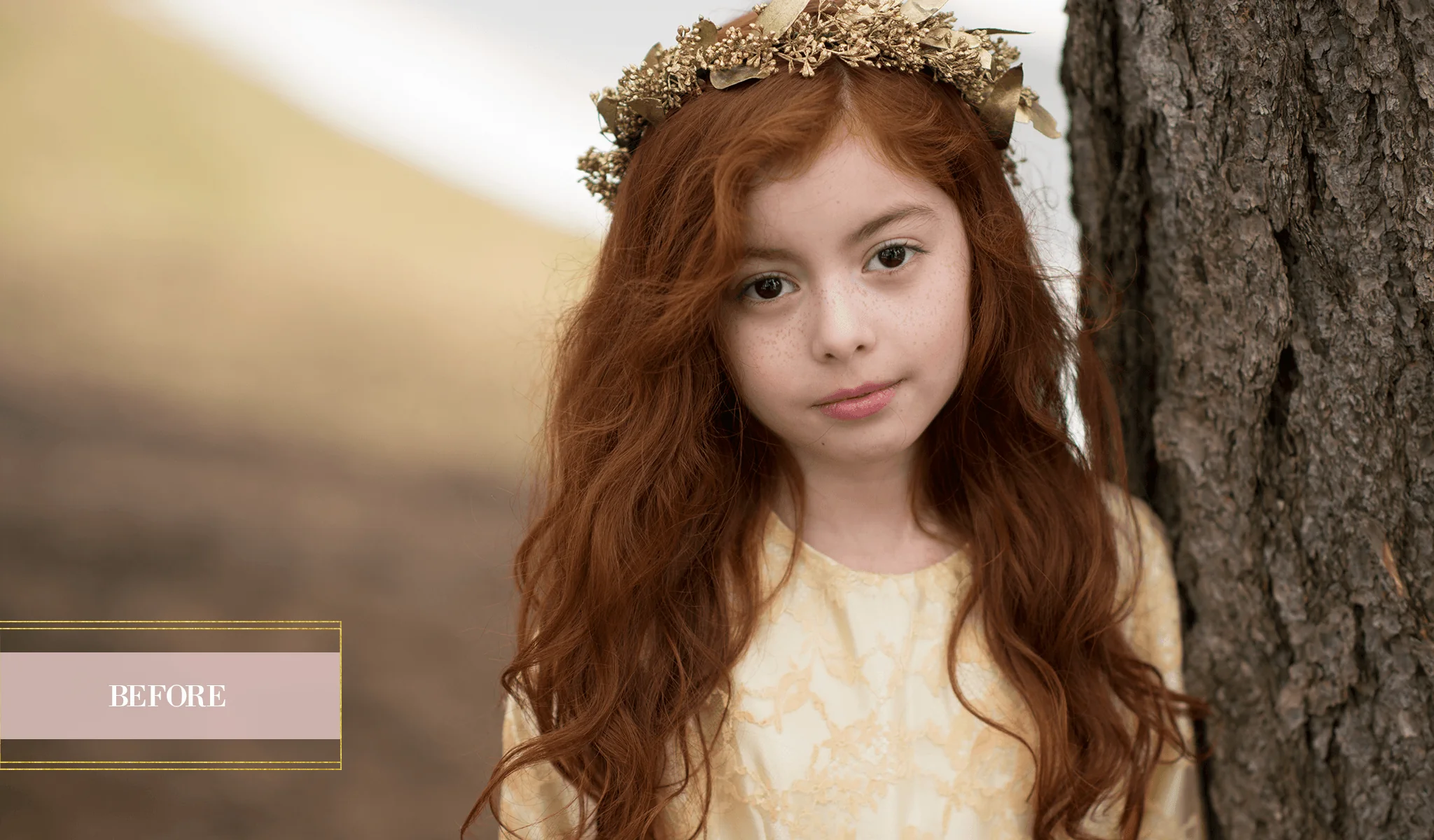
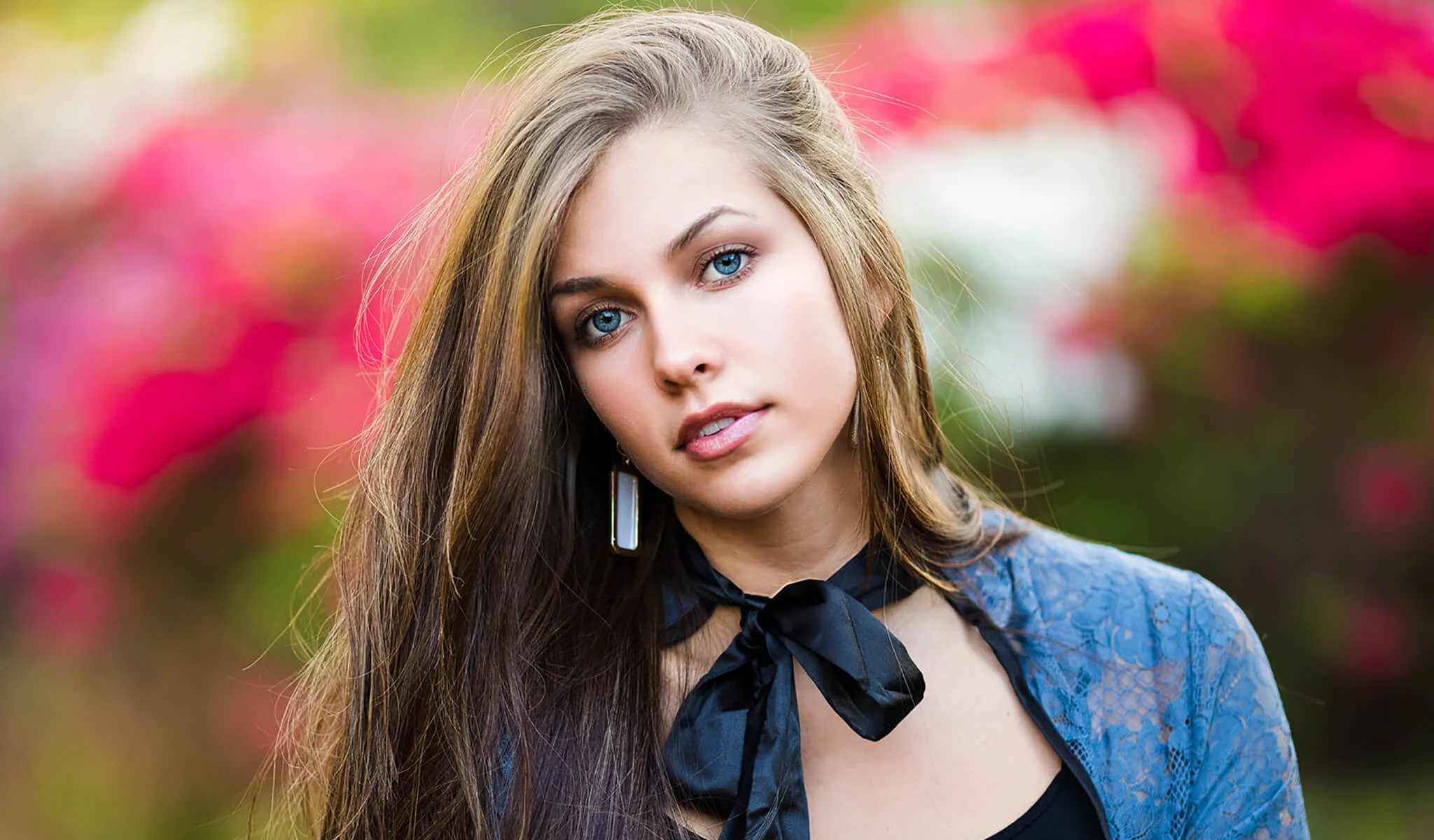
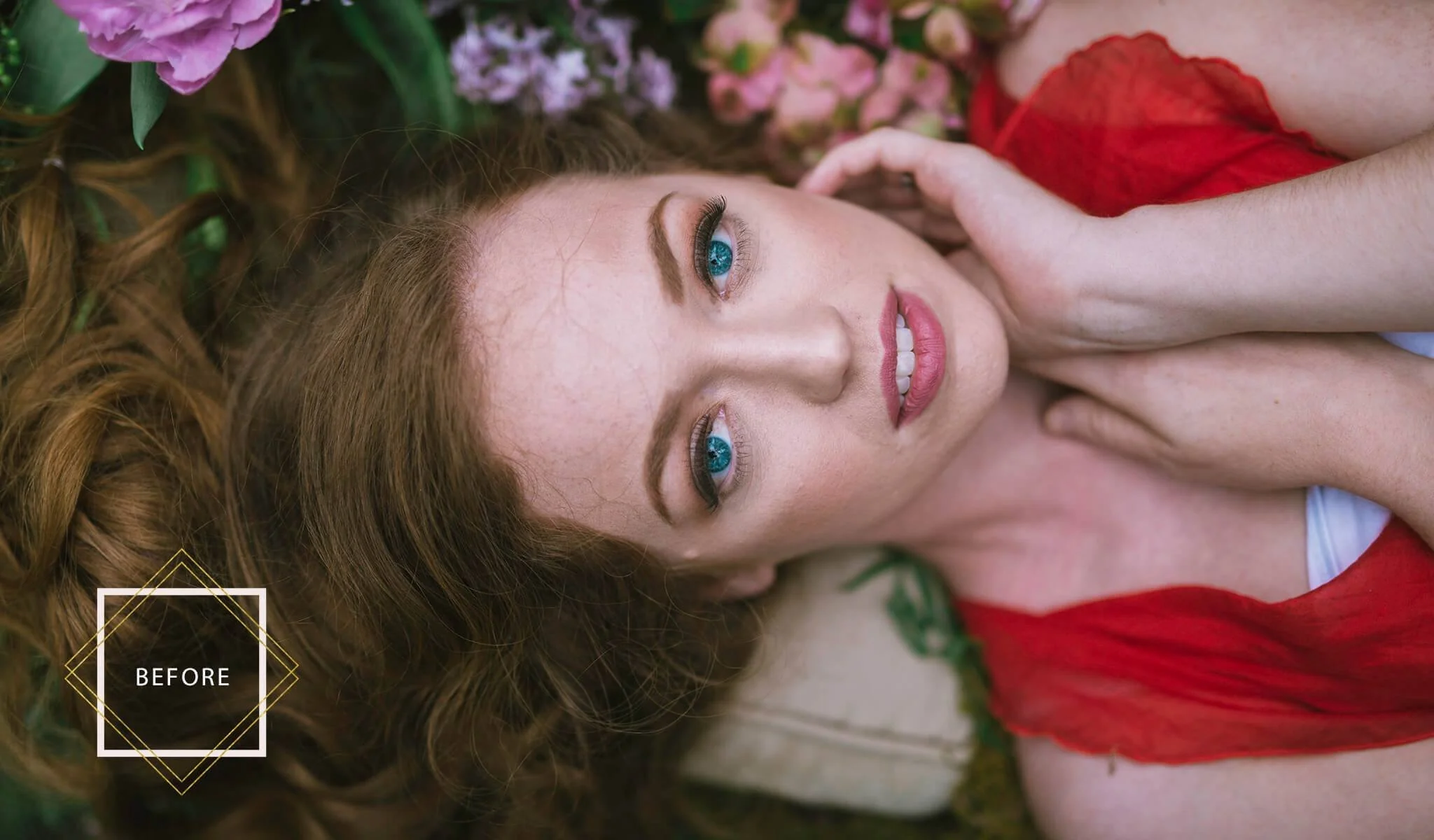
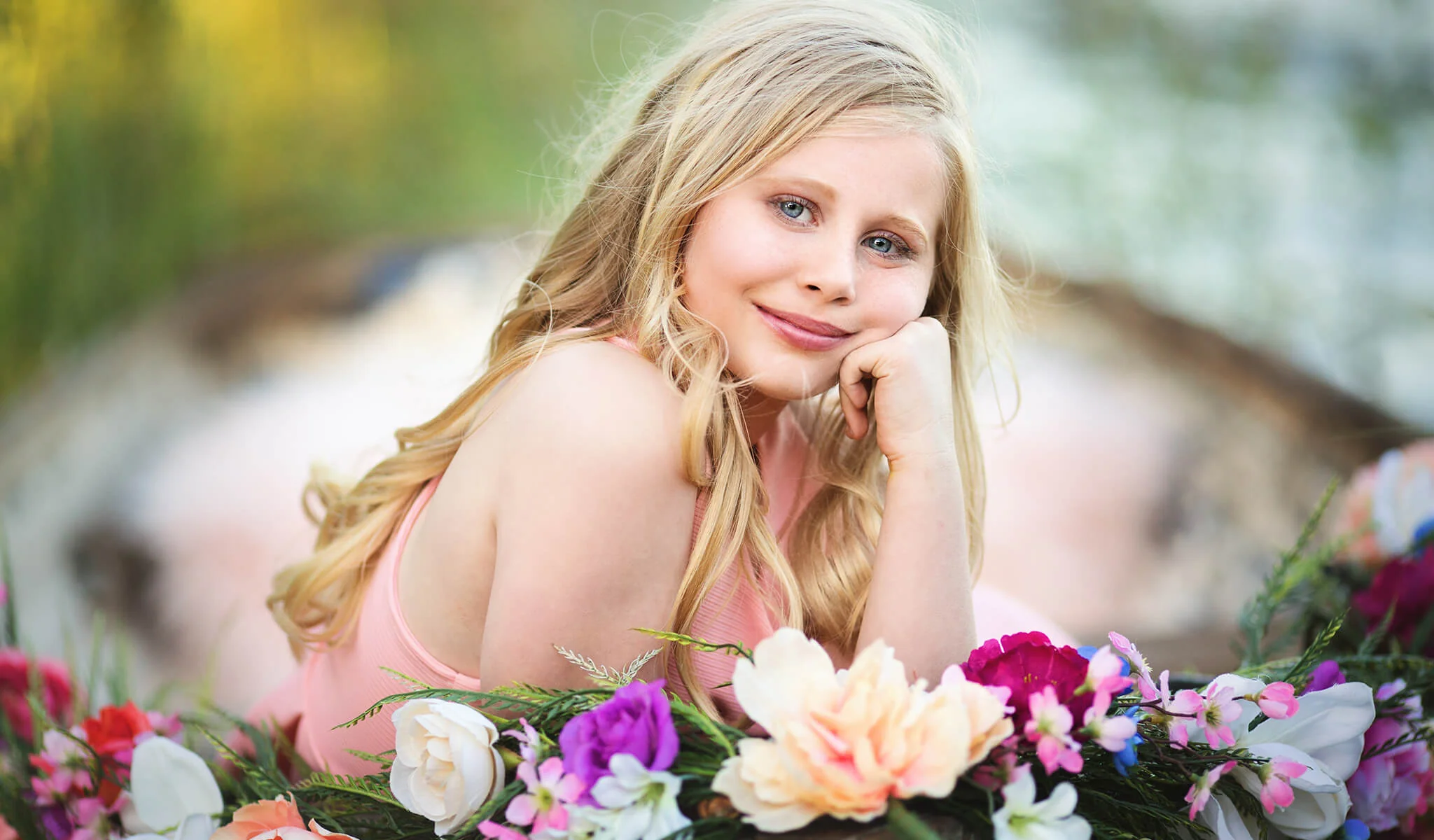
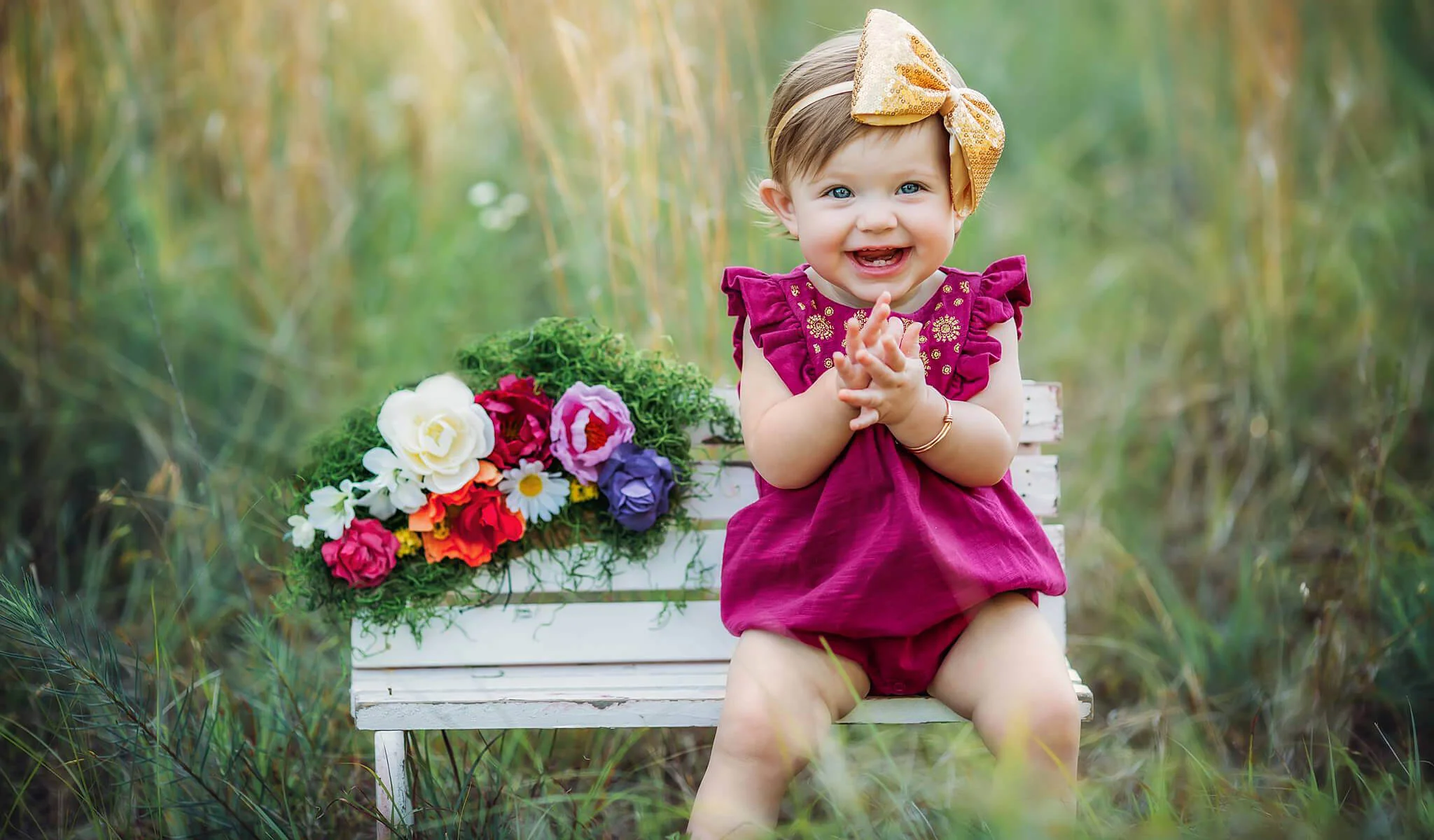
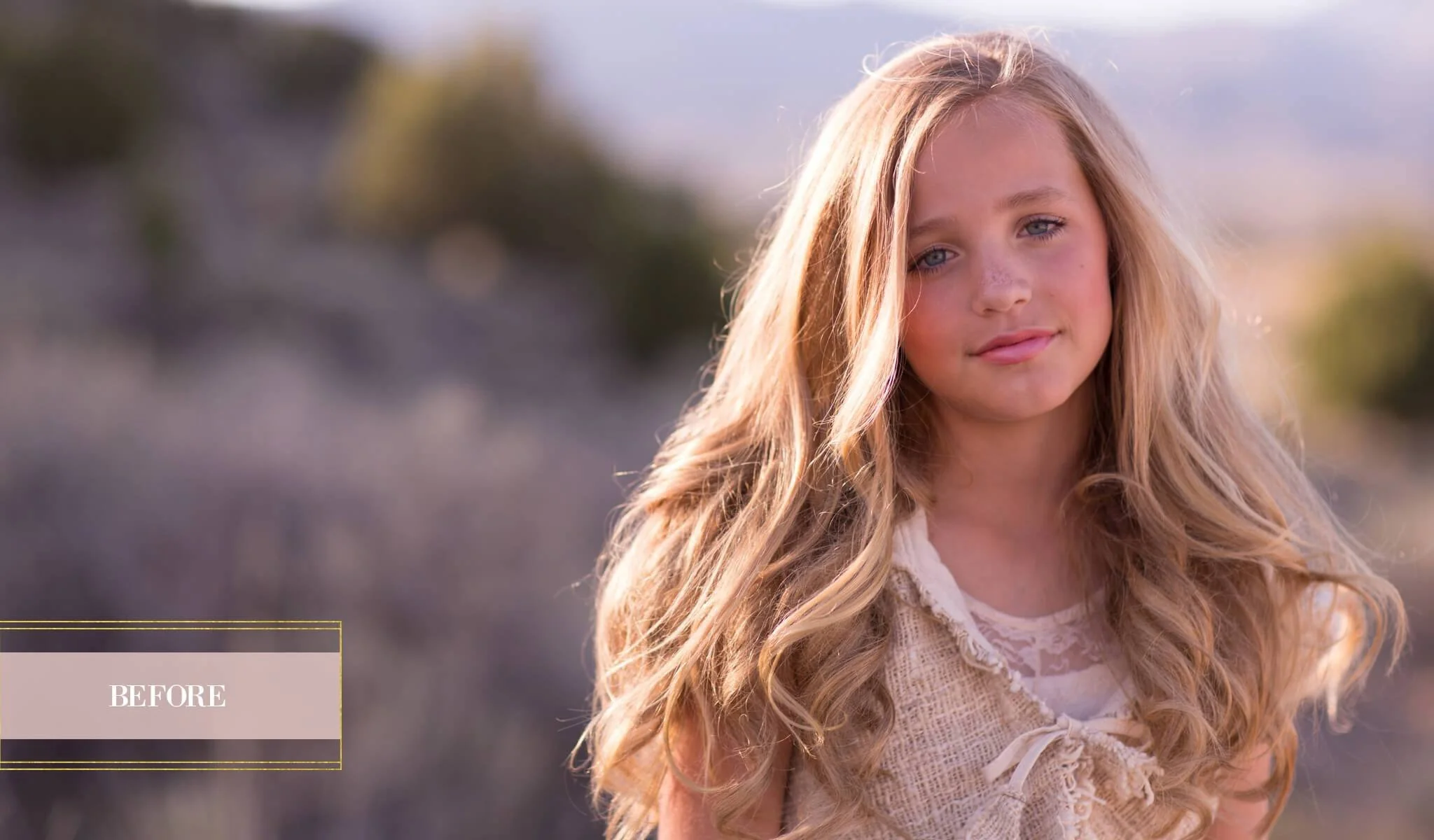
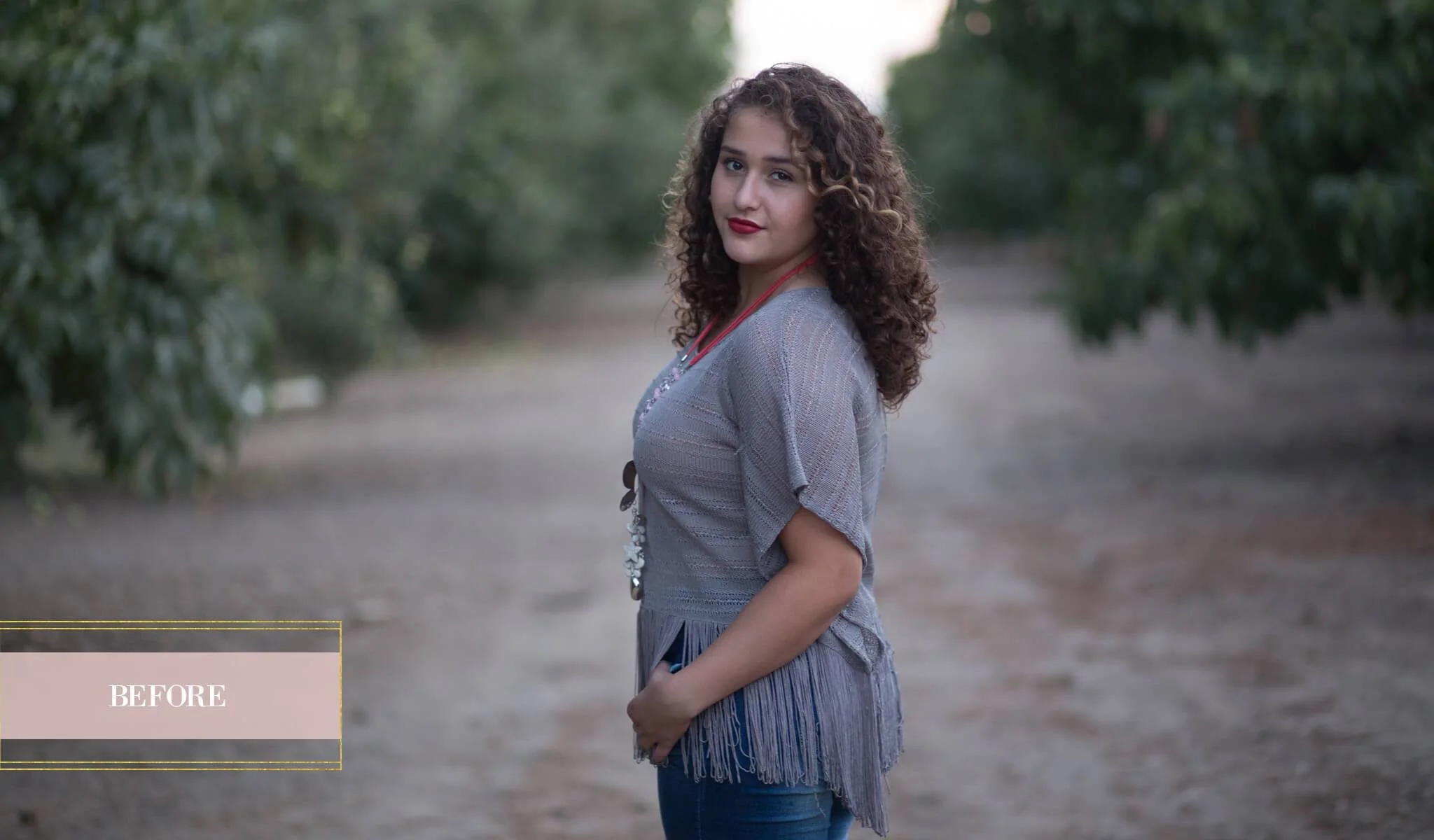
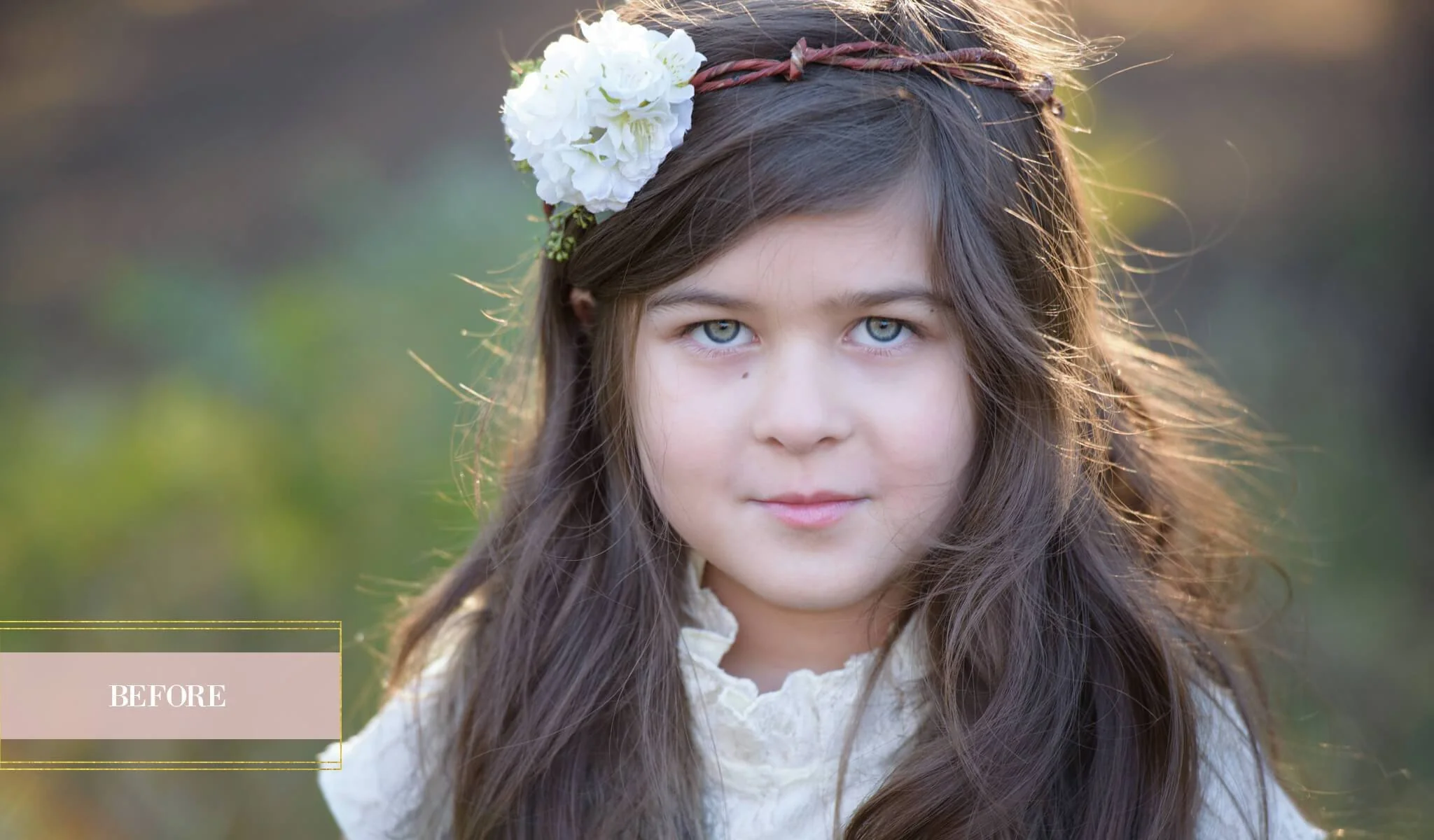
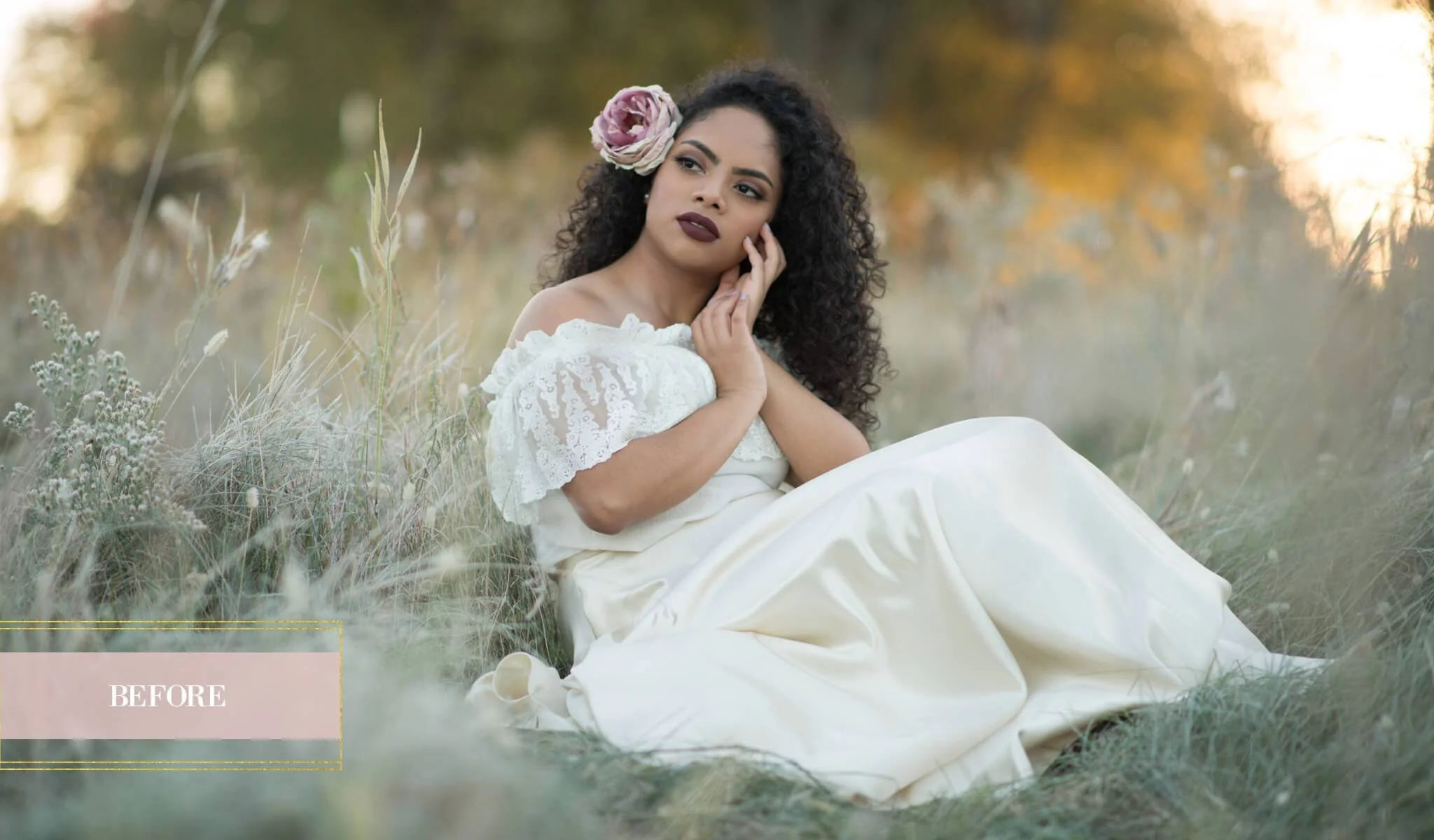
Special thanks to Jesse Blake Photography, Liz Franco Photography, and On the Phippside Photography for the use of the beautiful images used in our examples.
Details & Craftsmanship
Every detail has been carefully considered to bring you the perfect product.
Details & Craftsmanship
Every detail has been carefully considered to bring you the perfect product.
Details & Craftsmanship
Every detail has been carefully considered to bring you the perfect product.
Details & Craftsmanship
Every detail has been carefully considered to bring you the perfect product.
Details & Craftsmanship
Every detail has been carefully considered to bring you the perfect product.
Details & Craftsmanship
Every detail has been carefully considered to bring you the perfect product.
Details & Craftsmanship
Every detail has been carefully considered to bring you the perfect product.
Details & Craftsmanship
Every detail has been carefully considered to bring you the perfect product.
Details & Craftsmanship
Every detail has been carefully considered to bring you the perfect product.
Details & Craftsmanship
Every detail has been carefully considered to bring you the perfect product.
Details & Craftsmanship
Every detail has been carefully considered to bring you the perfect product.
Details & Craftsmanship
Every detail has been carefully considered to bring you the perfect product.
Description
Photoshop Actions for Portraits, Children & Family
The PURE Color Workflow is a comprehensive collection containing over 63 beautiful, easy to use portrait workflow and creative actions that will save time and allow you to quickly create beautiful “clean edits”, rich and vibrant artistic edits, and instant black & white conversions.
With its incredible versatility, ease of use and powerhouse results, this essential collection is perfect for all your Portrait, Child, Family and Wedding photography needs and is sure to earn a top spot on your favorites list….fast!
- Start off with one of the 13 Perfect Start Actions. Smooth and soften skin, add eye sparkle, whiten teeth and more with 4 easy to use Retouch Actions. Create your own unique style with one of 14 Pretty Color All-In-One Actions.
- Make selective adjustments with 9 carefully curated Brushes, and complete your look with Toning Action Color Infusions and Add Ons to add and customize haze, matte, center light, vignettes and more.
- Add the finishing touch with essential Workflow Actions. We've even included 5 bonus Light Brushes and 3 Movable Sun Glows so you can add dreamy light or enhance the existing light in your images. We've thought of everything!
Whether your a professional or hobbyist, this comprehensive and versatile Action collection is guaranteed to get you excited about editing your images. There’s something for everyone, and it’s never been easier to create the beautiful look you've always dreamed of!
The PURE Color Workflow Actions Collection Includes:
- 13 Perfect Start Actions
- 4 Easy to use Retouch Actions
- 14 Pretty Color All-In-One Actions
- 9 Selective Adjustment Brushes
- 9 Toners & Addons
- 5 Light brushes
- 3 Moveable Sun Glows
- 6 Workflow Actions
- Actions are fully customizable to fit your style.
- Compatible and fully optimized for Photoshop CS3-CS6, Creative Cloud, and PSE 11+
- Works on both Mac and PC.
- Instruction guides and video tutorial links to show you how to install and use the actions.
PURE Color Workflow Video Tutorial
Perfect Start Actions
- Fix Exposure – Brighten
- Fix Exposure – Darken
- Clean Contrast
- Clarity
- Make it Warmer
- Make it Cooler
- Fresh Shadows
- Fresh Highlights
- Tame Color Casts
- Color Boost
- Selective Color Boost
- Muted Color
- Green Shift
Retouch Actions
- Oh-So-Soft Skin
- Cheeks + Lips
- Eye Sparkle
- Whiten Eye’s & Teeth
Pretty Color Actions
- *Play All*
- Pretty Color Base
- Pretty Color x2
- Airy & Light
- Naturally Yours
- Color Me Pretty
- Velvet Color
- Subtle Drama
- Darling Punch
- Perfectly Matte
- Elegant
- Dainty Sable
- Honeysuckle
- Rhapsody
Selective Adjustment Brushes
- Selective Sharpen
- Reduce Noise
- Contour – Light & Dark
- Paint Off Color Casts
- Paint on Color Rich
- Magic Color Change
- Vibrant Scenery
- Creamy Bokeh Brush
- Paint on Warm Vignette
Toners & Add-Ons
- Color Infusions
- Soft & Hazy Combos
- Rich Matte
- Lush Film
- Clean Mist
- Center Light
- Soft Vignette
- Dark Vignette
- Faux Tilt Shift
Light Brushes
- Clean Backlight
- Warm Backlight
- Hazy Light
- Warm Hazy Light
- Enhance Warm Backlighting
Moveable Sun Glows
- Warm Sun Glow
- Pretty Sun Glow
- Cool Sun Glow
Workflow Actions
- Snapshot of Layers
- Flatten Layers
- Revert to Original
- Horizontal Sharpen & Resize for Web
- Vertical Sharpen & Resize for Web
- Sharpen for Print
DUE TO THE DOWNLOADABLE NATURE OF THE PRODUCT, THERE ARE NO REFUNDS. ALL SALES FINAL.
- License good for (1) photographer/studio only
- Items include digital downloads, PDF guides, links to online videos
- Basic knowledge of Photoshop/PSE required
Special thanks to Jesse Blake Photography, Liz Franco Photography, and On the Phippside Photography for the use of the beautiful images used in our examples.